What is Tenali?...
Turn Every Question into an Answered Opportunity with Tenali.
AI ASSISTANCE
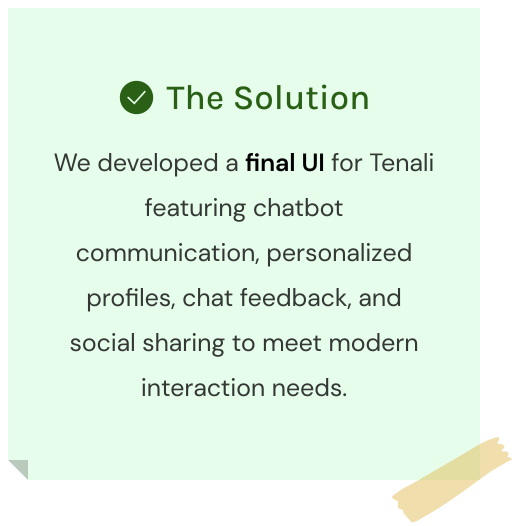
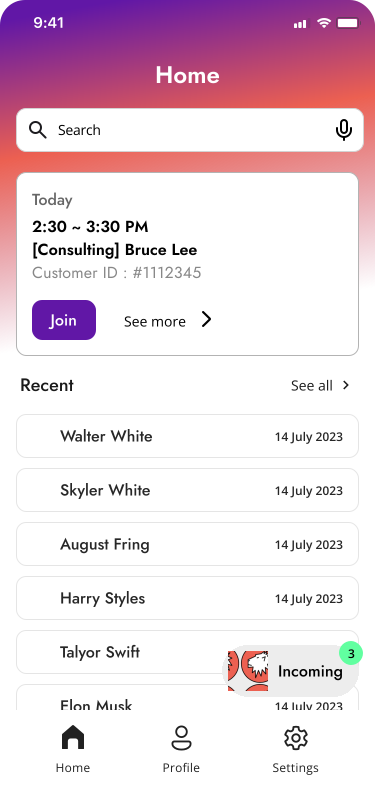
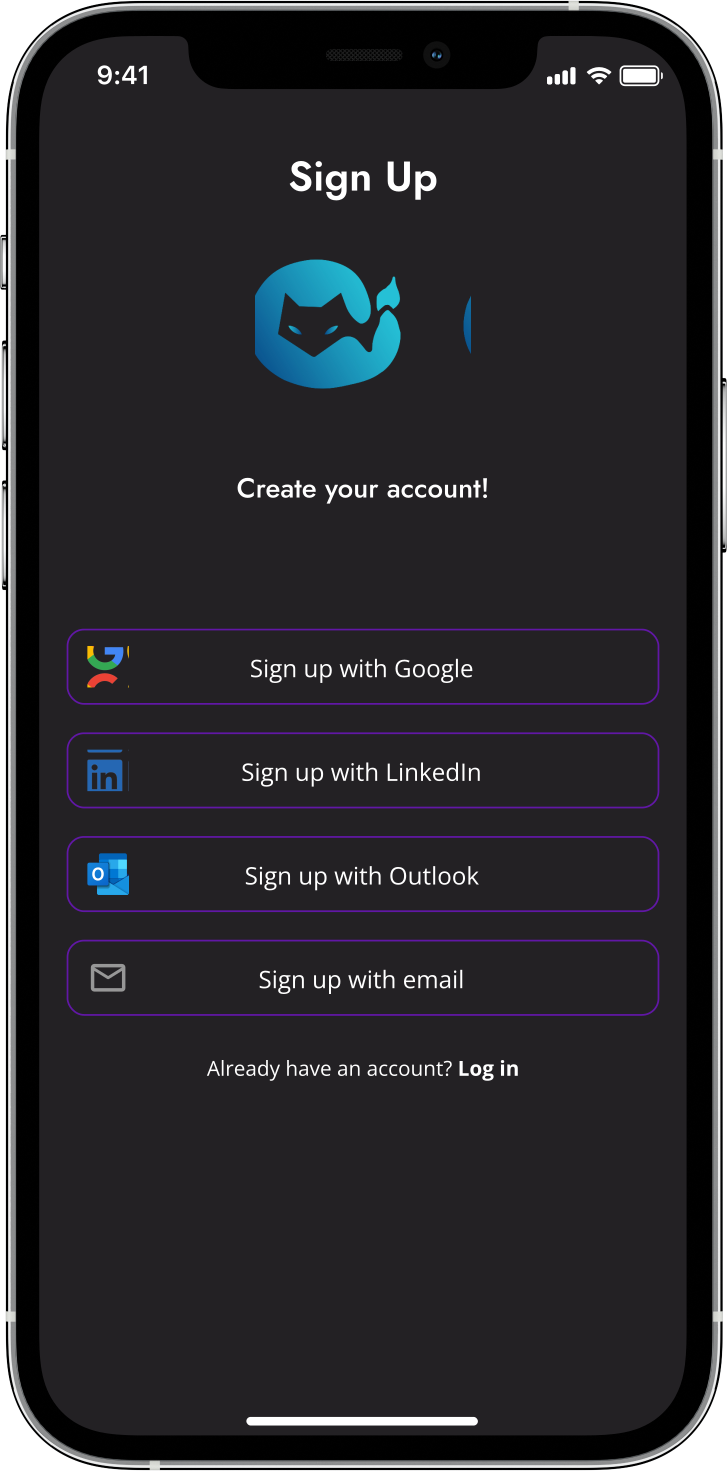
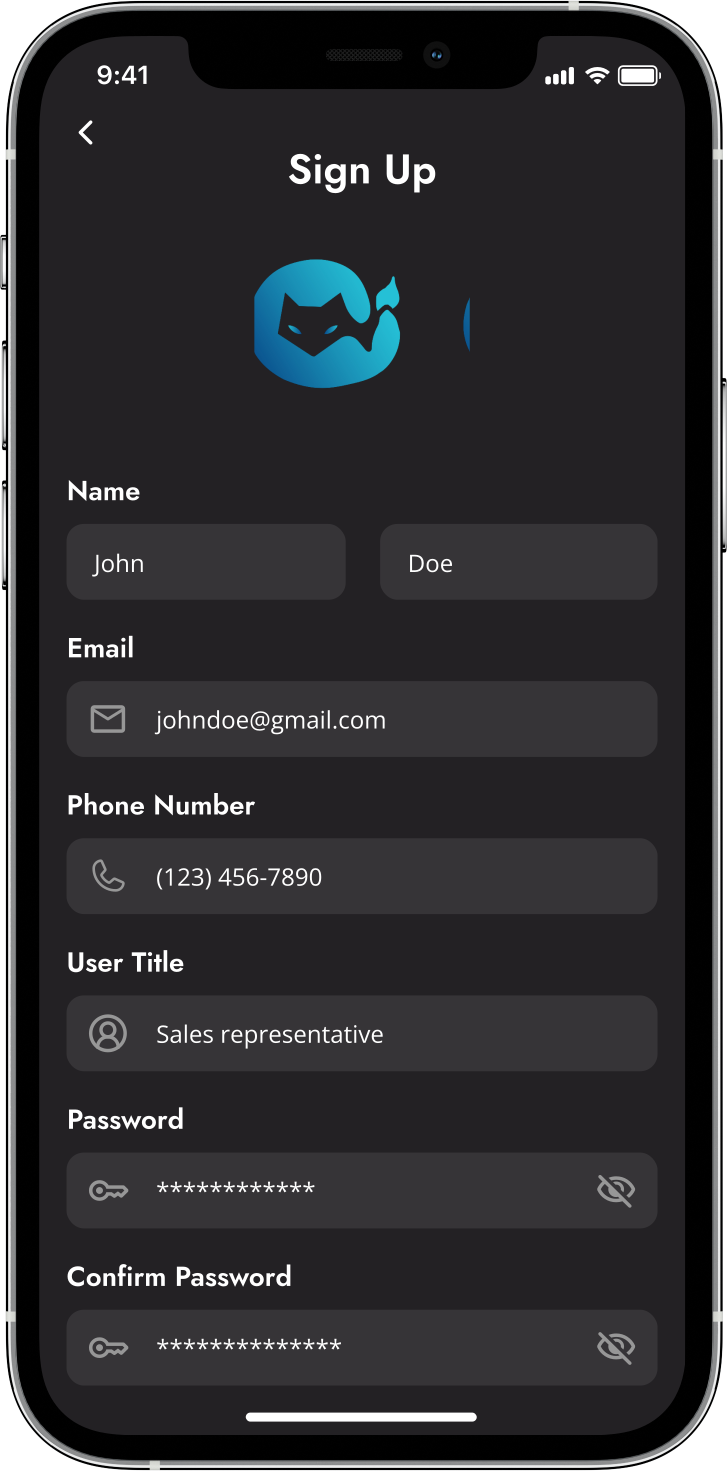
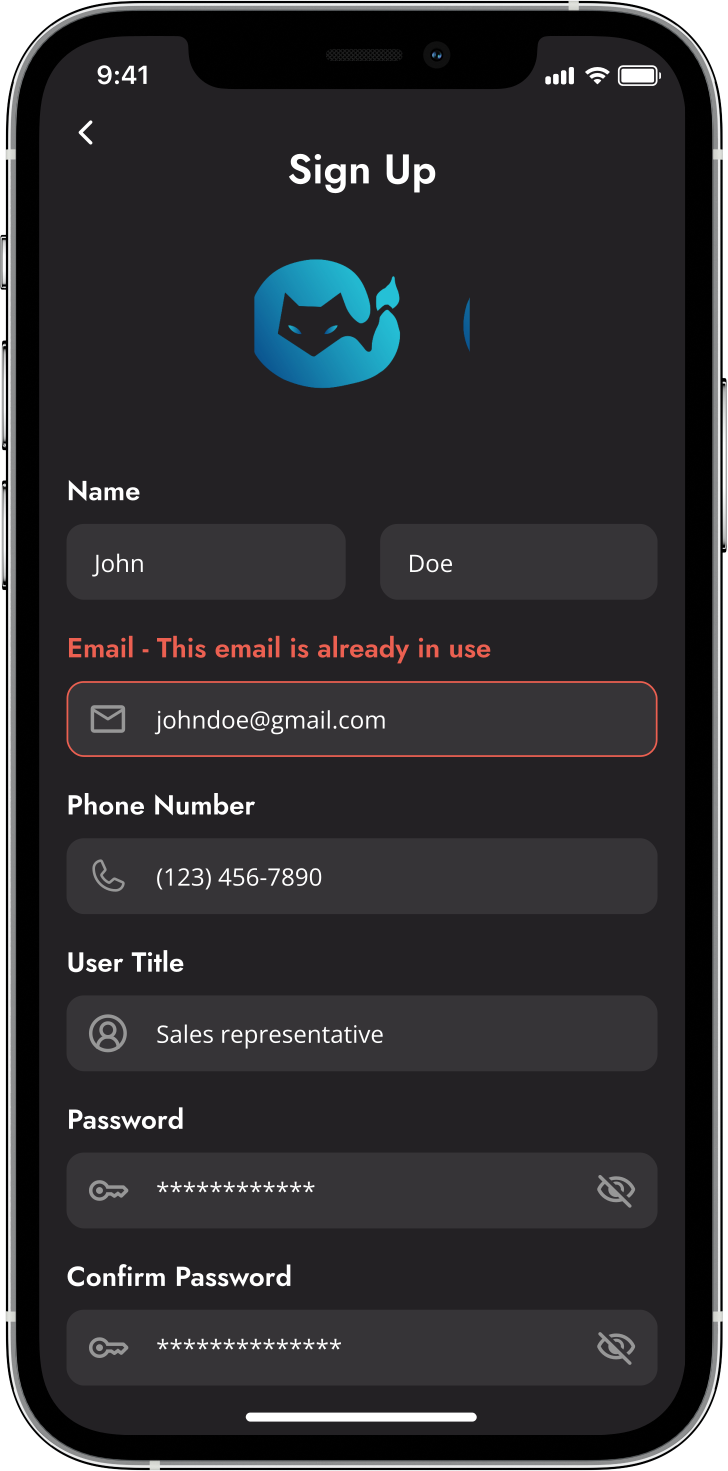
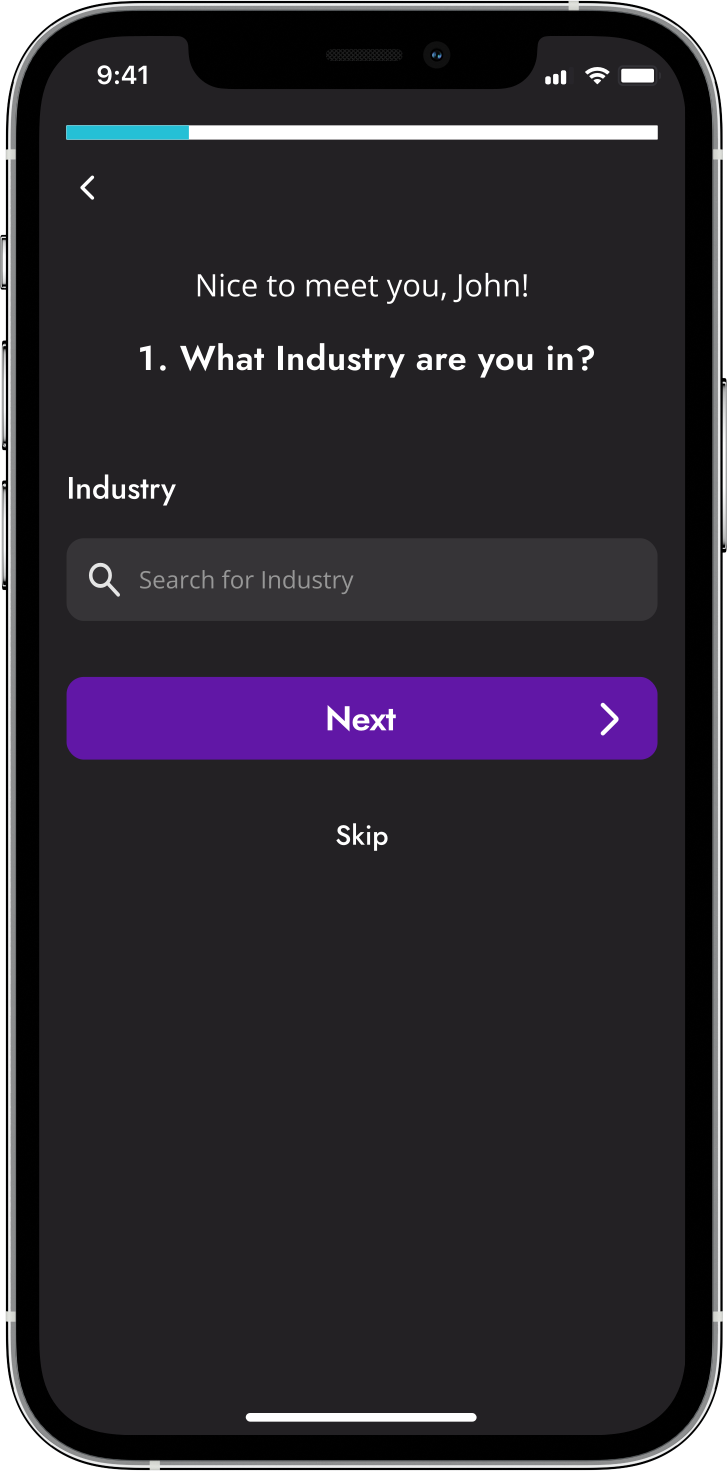
Tenali, a business-to-consumer (B2C) enterprise, revolutionizes sales with its AI-powered chatbot designed to elevate the quality of customer interactions. By offering real-time, intelligent support through a mobile app, this service enables sales reps to conduct smarter, more insightful conversations. As a leader in transforming sales dialogue, Tenali provides businesses with the resources to boost revenue and thrive in a dynamic marketplace.
Building bonds to build better solutions...
How We Kicked Off the Project.
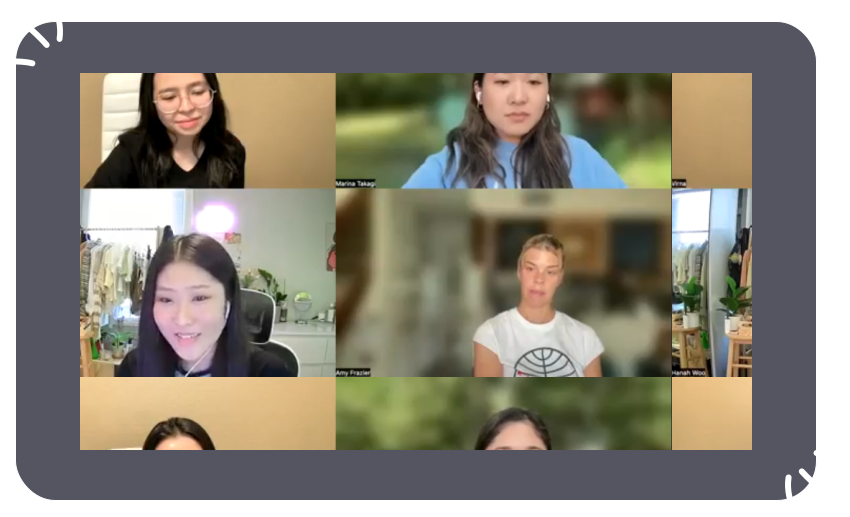
Our team scheduled a virtual meeting on Zoom that began with warm introductions. During the meeting, we familiarized ourselves with each other's backgrounds, shared our respective experiences, and exchanged valuable insights that set the stage for a collaborative and innovative approach. We comprehensively reviewed our esteemed client, the company's vision, and our project plan. Moreover, we discussed our first two tasks: creating client questions and designing user flows.
Recognizing client expectations...
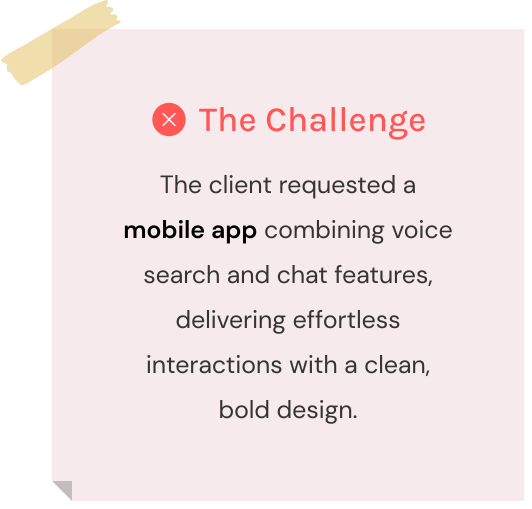
The Client Desired a Bold, Minimalistic, and Intuitive Design.
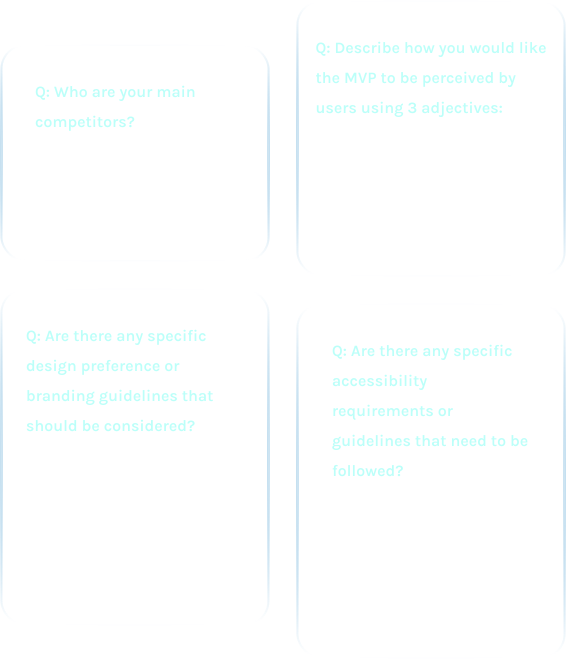
We curated a set of client-focused inquiries I took an active part in formulating questions about the product's desired features and user interface. Here are some important insights that effectively steered us toward the design stage:
What do our users need?...
I was Responsible for User Story #4: Interacting with the Chatbot.
The client presented four user stories highlighting their audience's needs. I handled user story #4, focusing on a sales rep's desire to interact with a chatbot. Our goal was to innovate and exceed expectations based on these insights.

User Stories

01

User Story #1

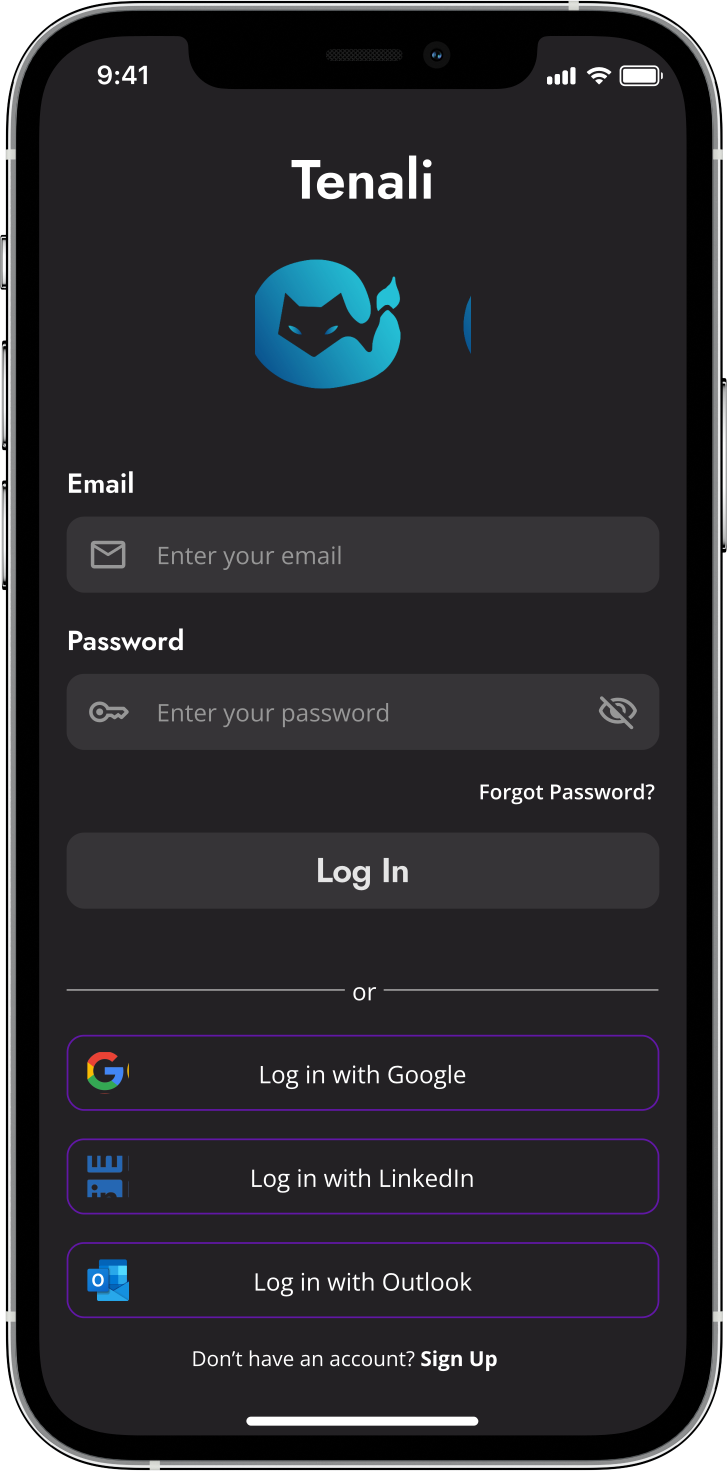
As a user, I want to create an account and log in.

02

User Story #2

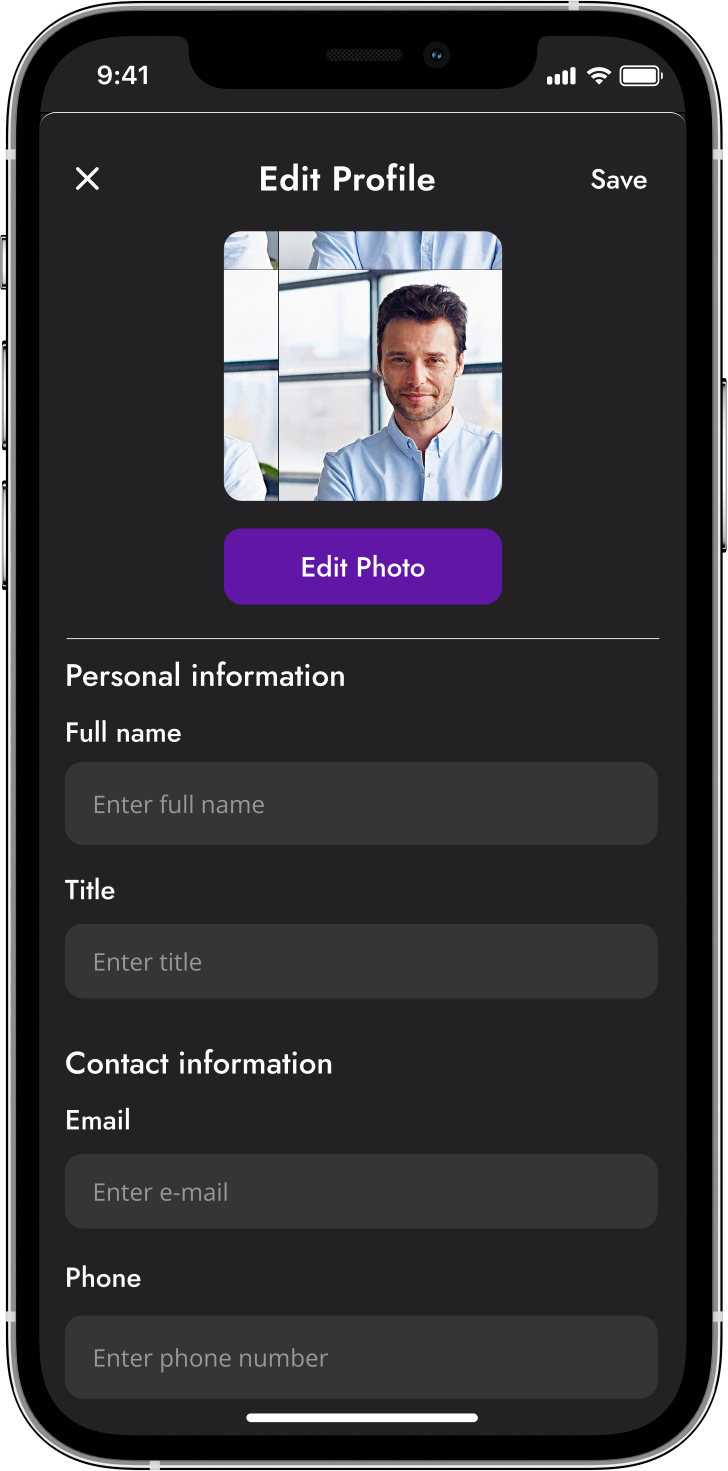
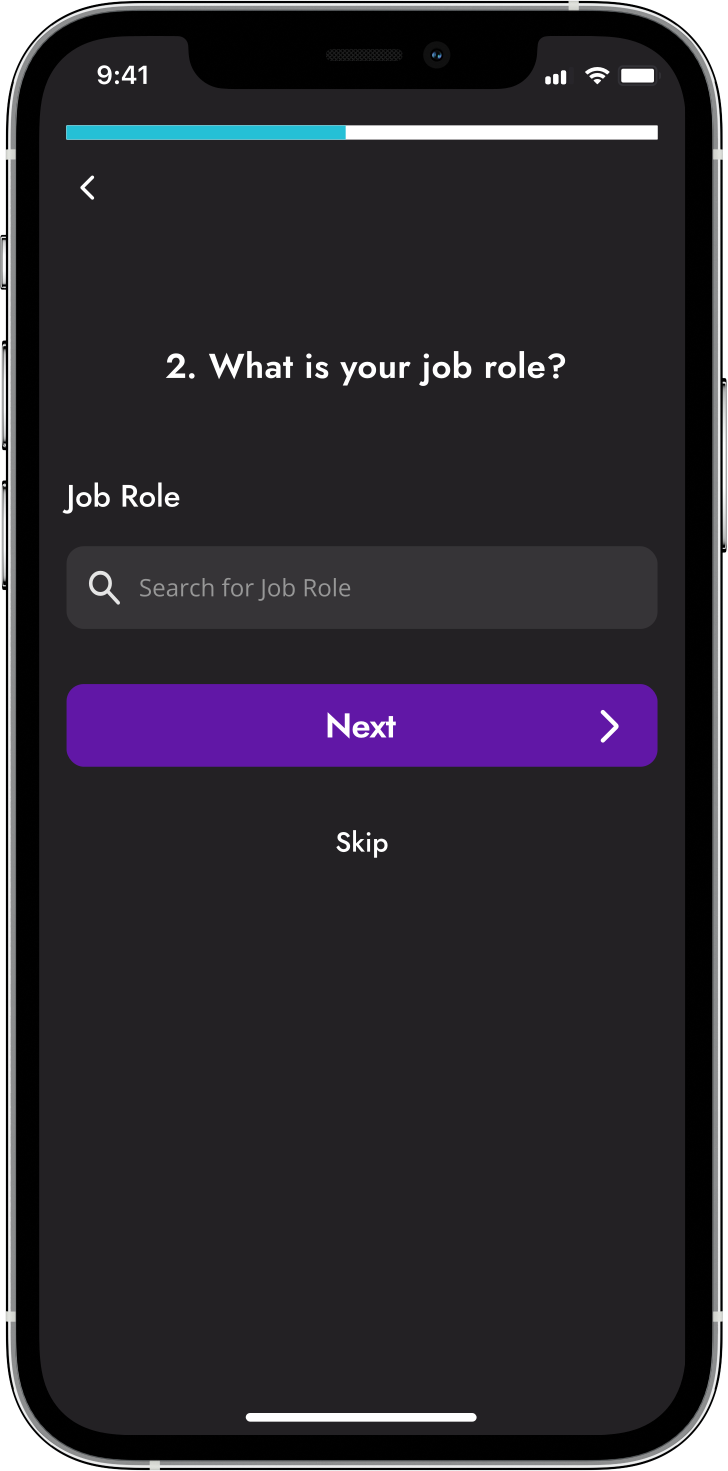
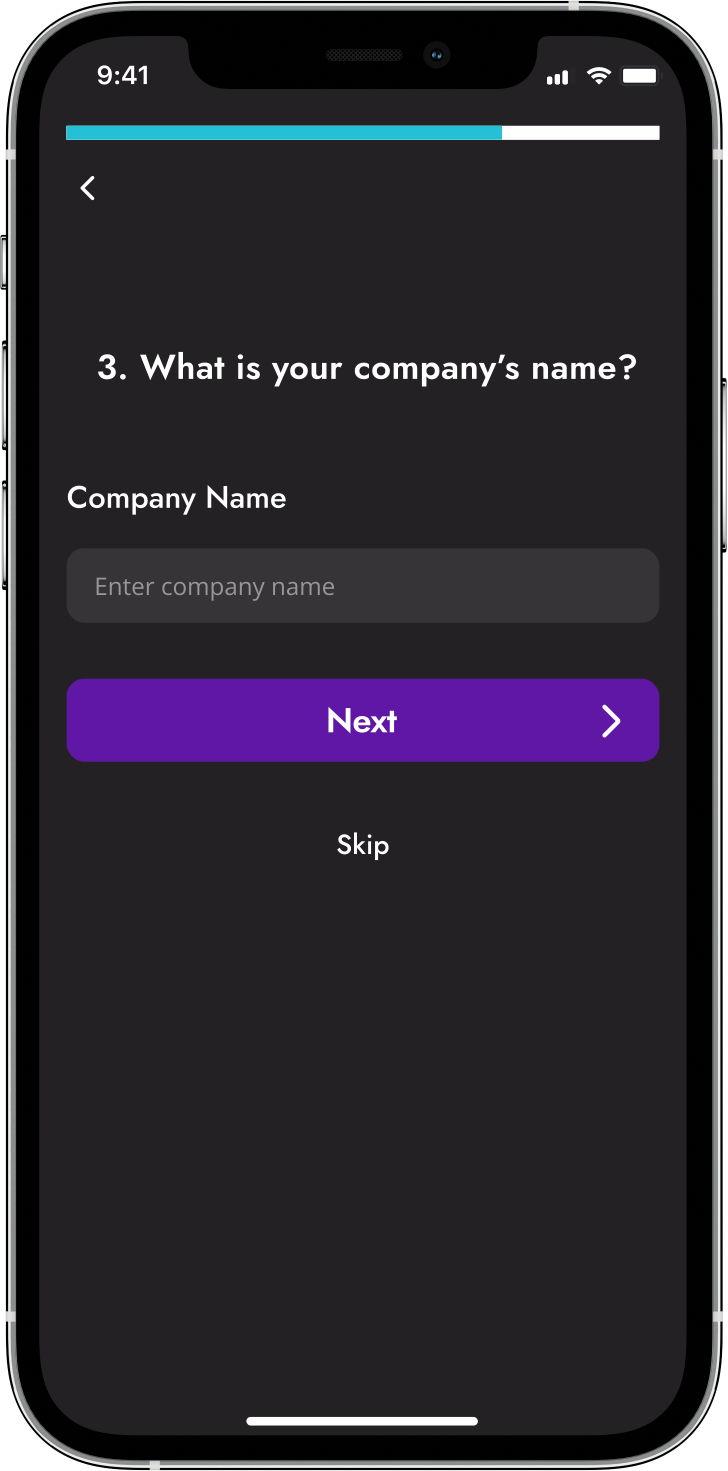
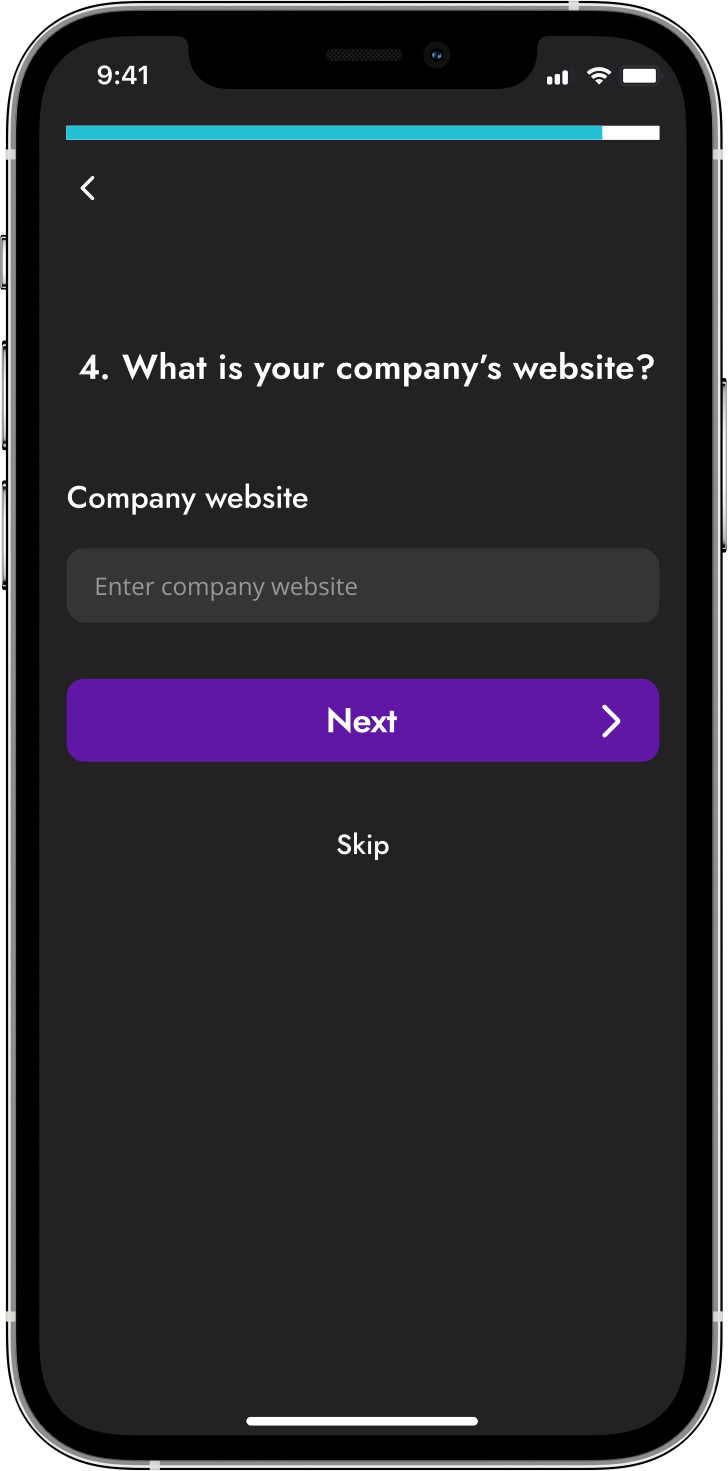
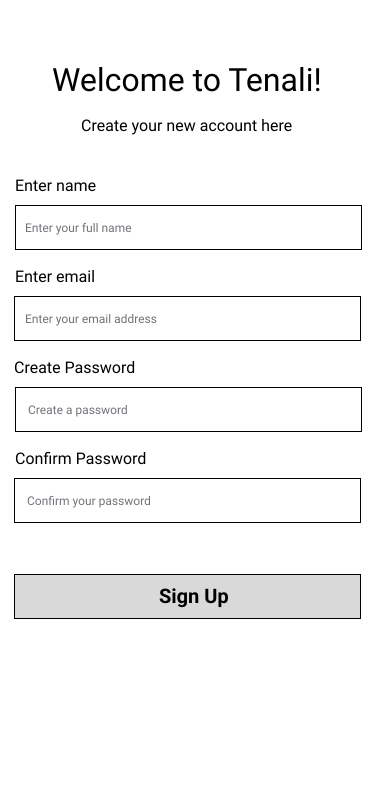
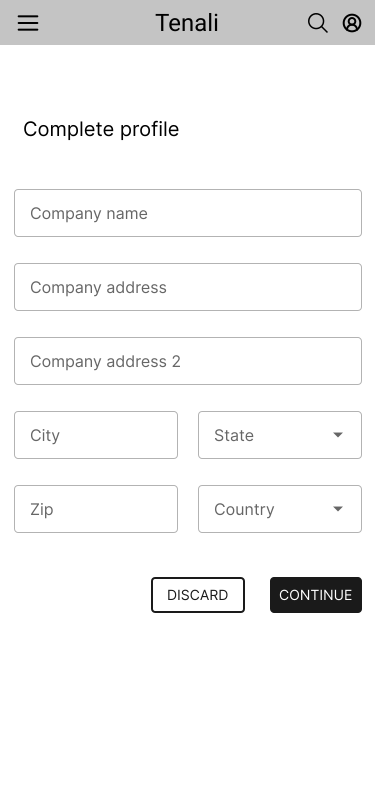
As a user, I want to create a profile about myself and my company.

03

User Story #3

As a user, I was to access the chatbot.

04

User Story #4

As a user, I want to interact with the chatbot.

User flows...
How Can I Develop a Step-By-Step Guide to Help Users Interact with the Chatbot?
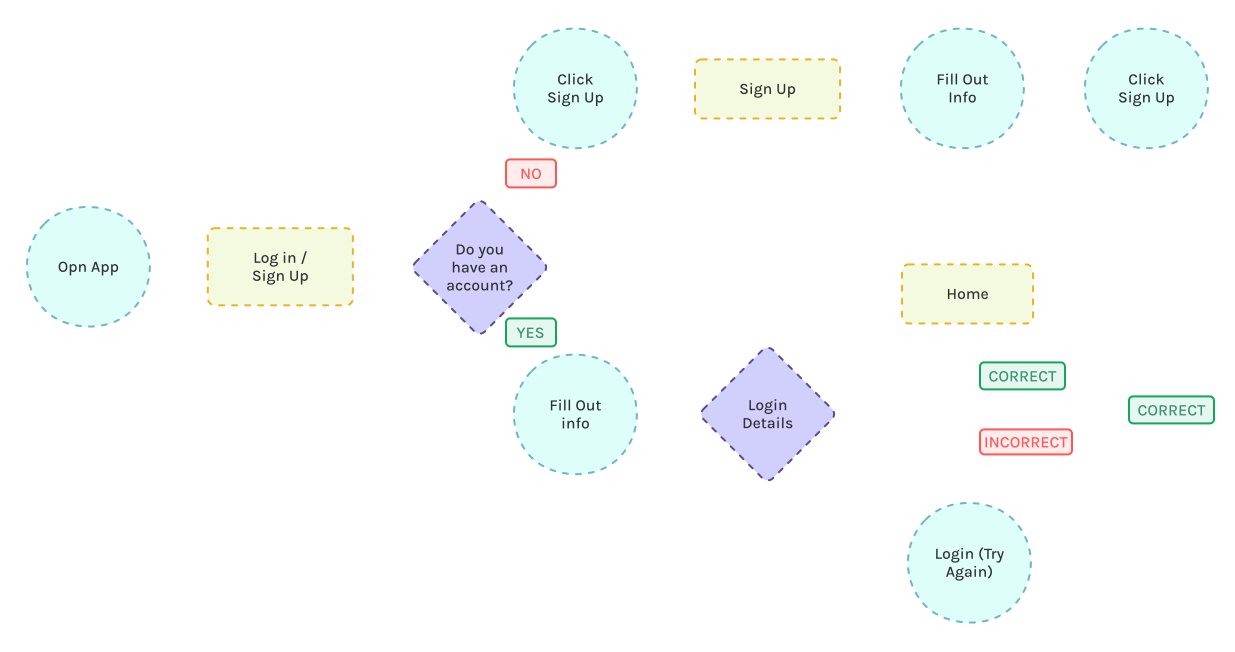
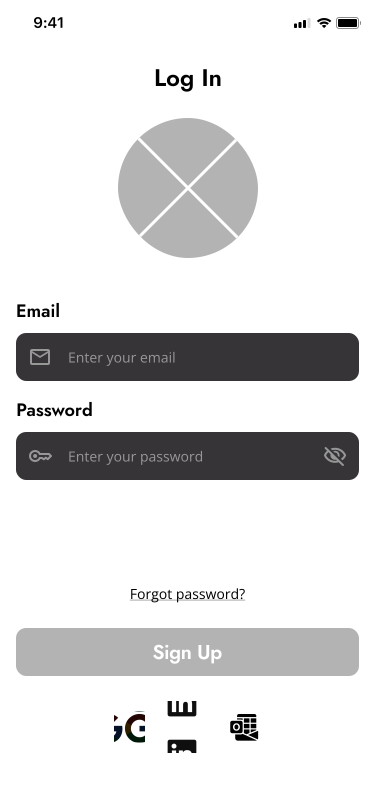
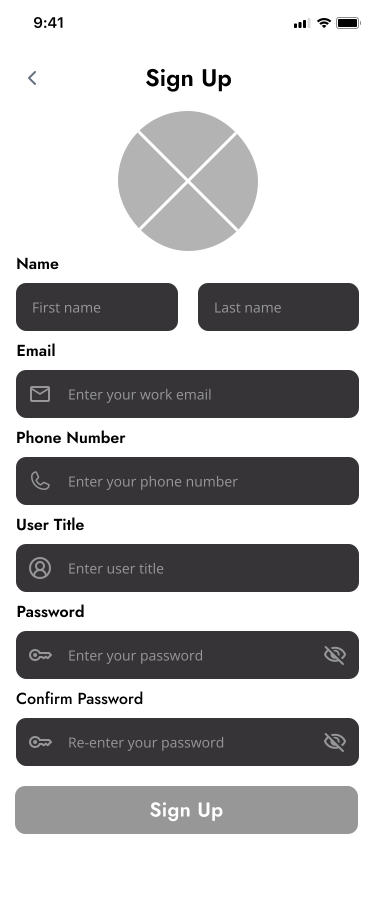
I created a user flow for user story #4 that primarily focused on the user’s desire to interact with the chatbot. The user flow I developed captured the complete journey—from account creation and arriving at the home page, to the end goal of interacting and messaging with the chatbot, and finally, the option to exit.
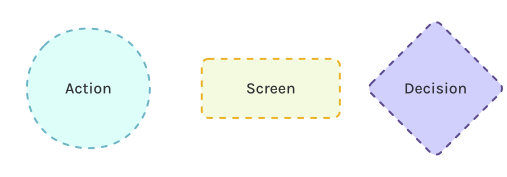
Key:
Click to Zoom
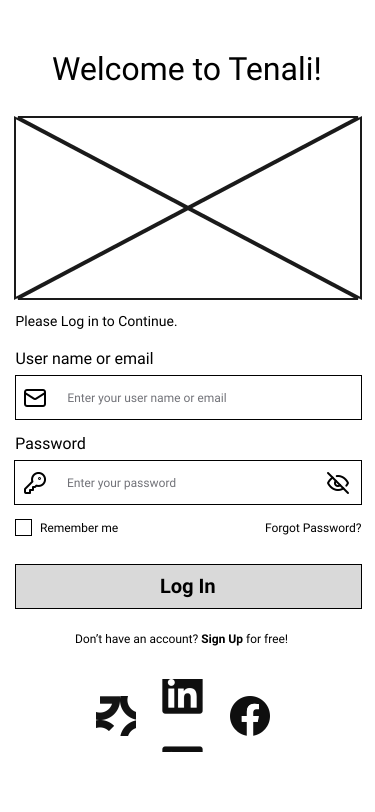
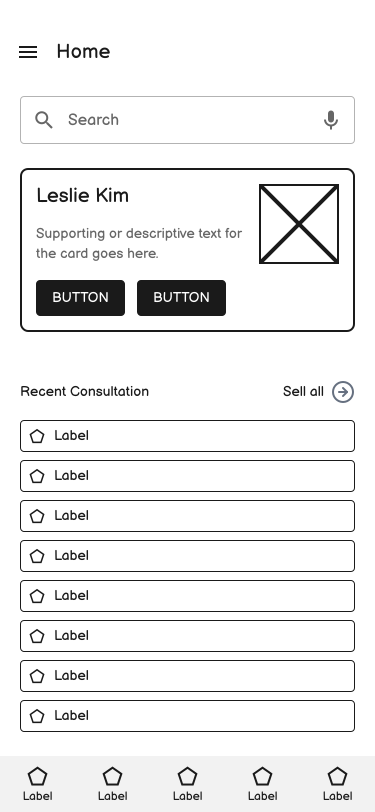
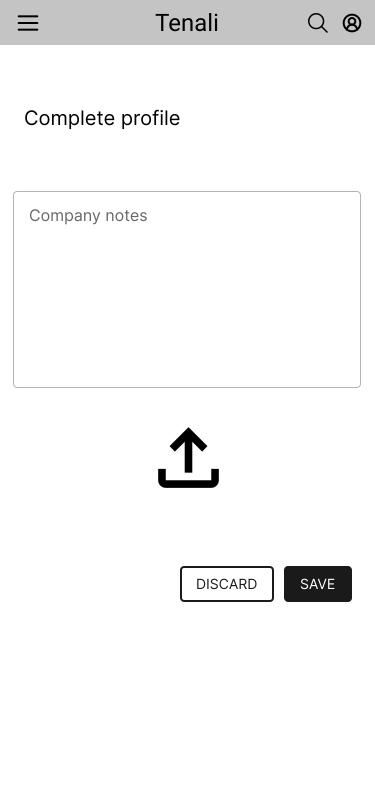
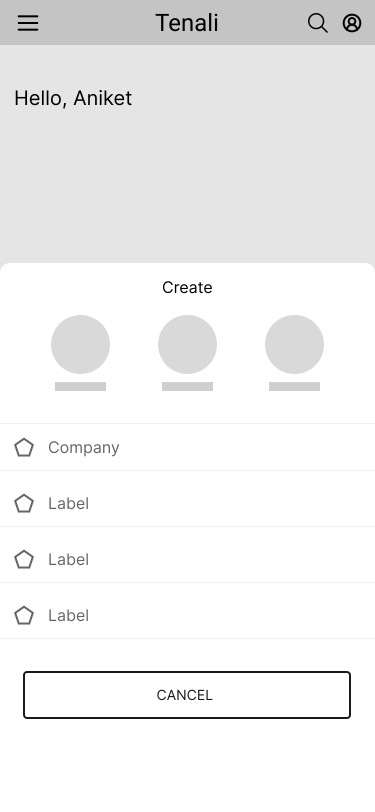
Low-fidelity wireframes...
Slowly Forming Ideas for Tenali.
Medium-fidelity wireframes...
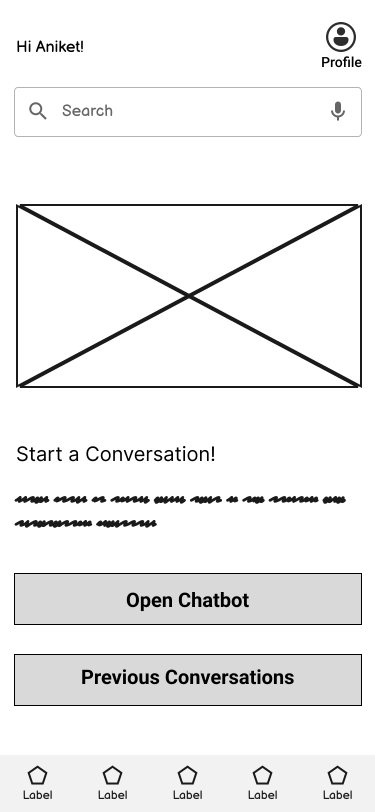
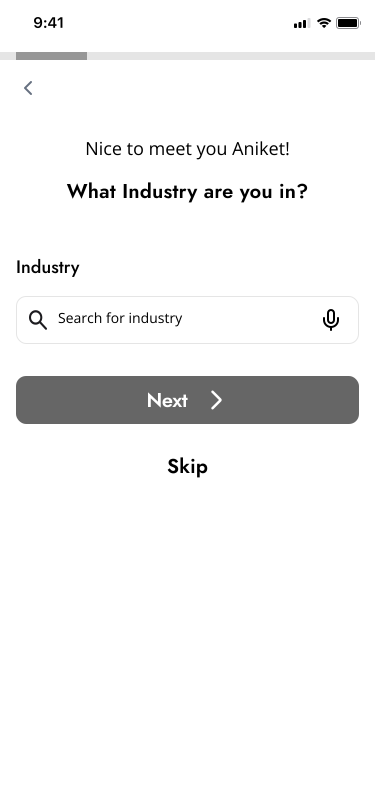
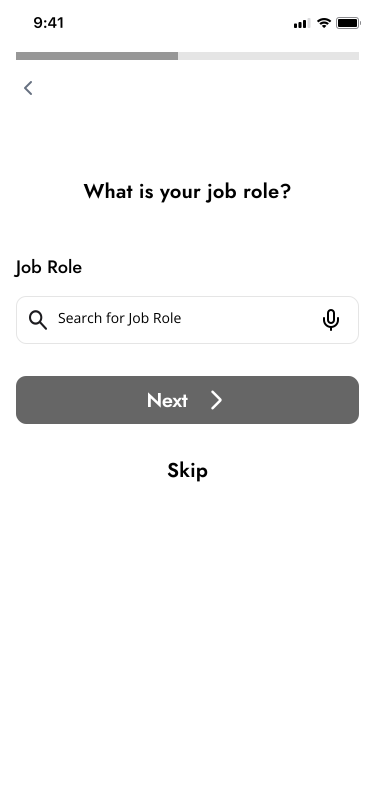
We Refined our Wireframes with Client Input.
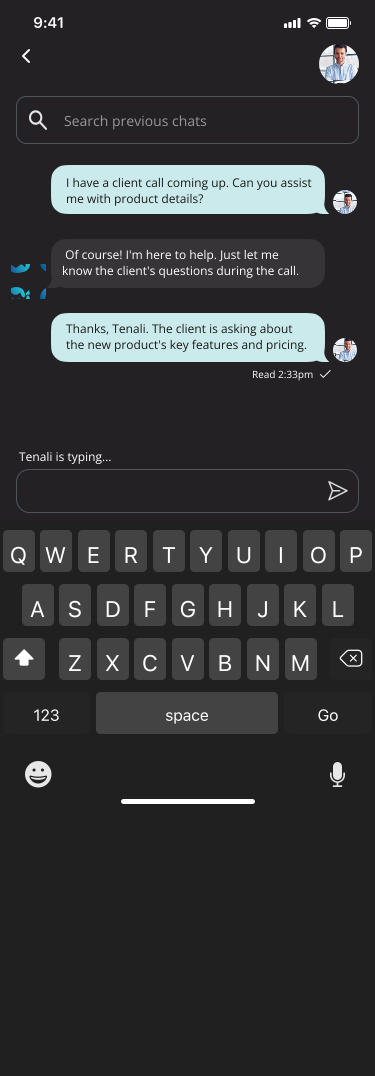
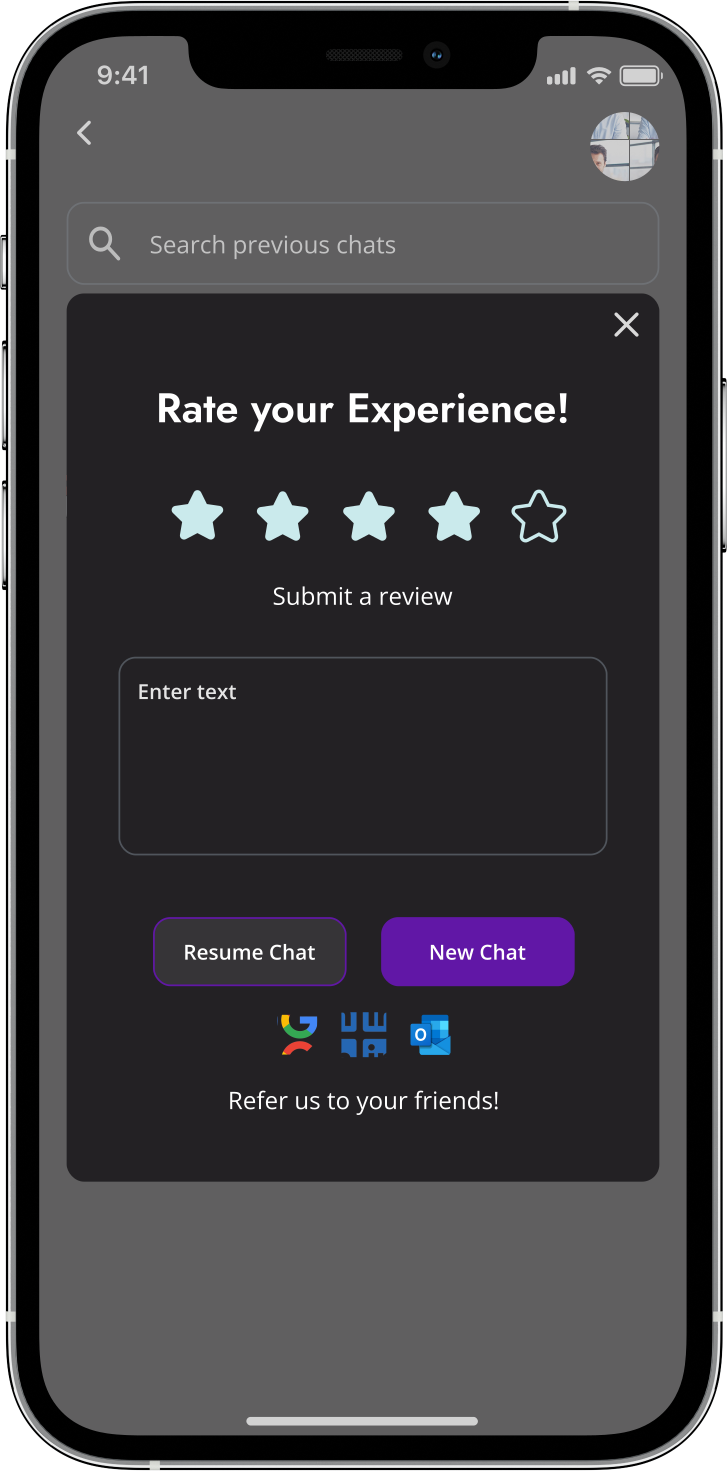
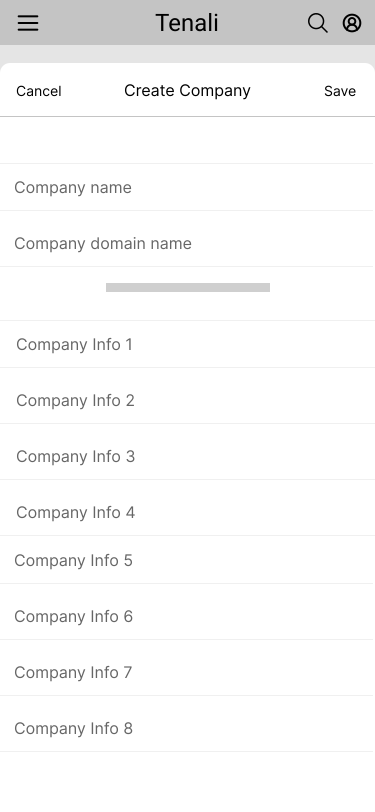
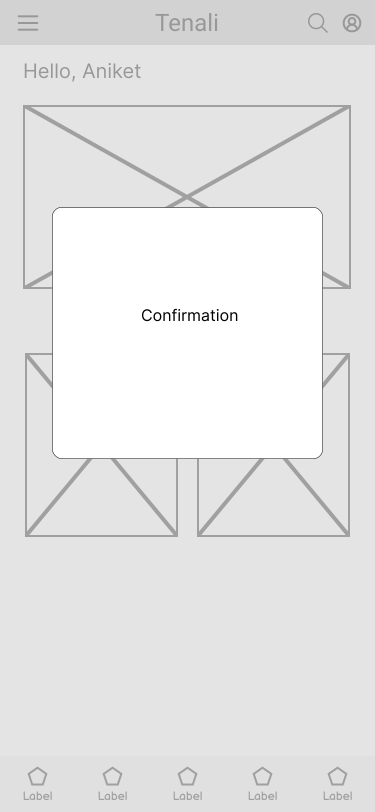
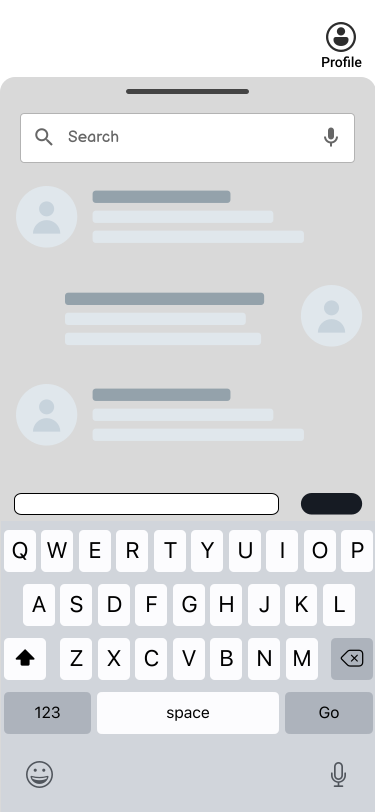
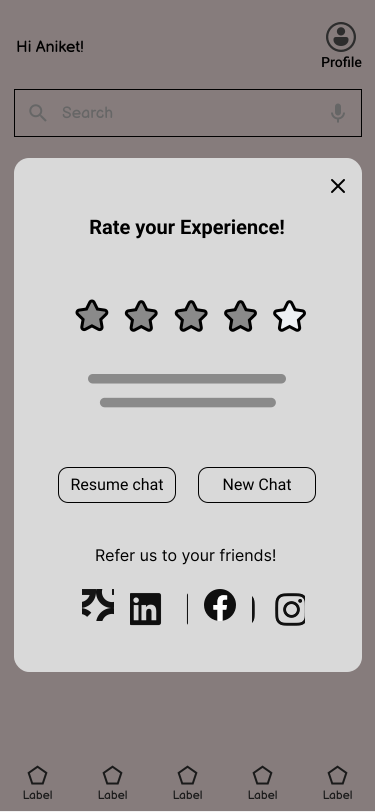
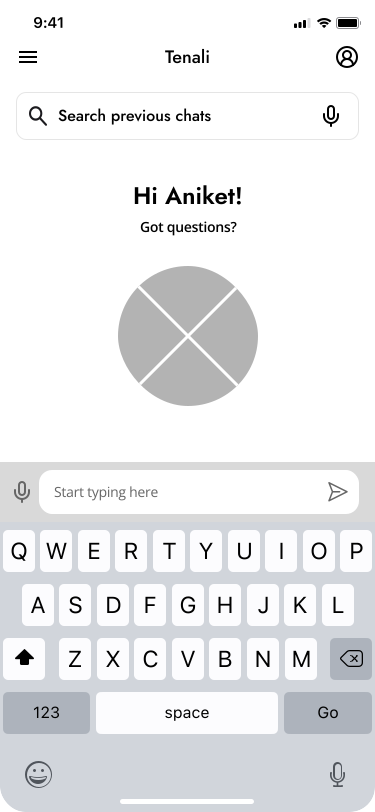
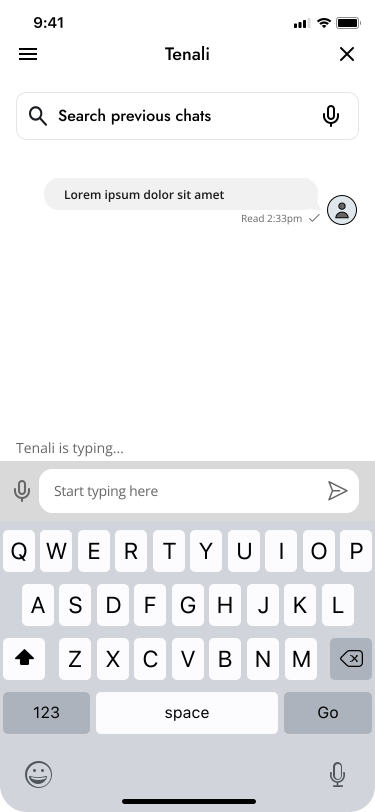
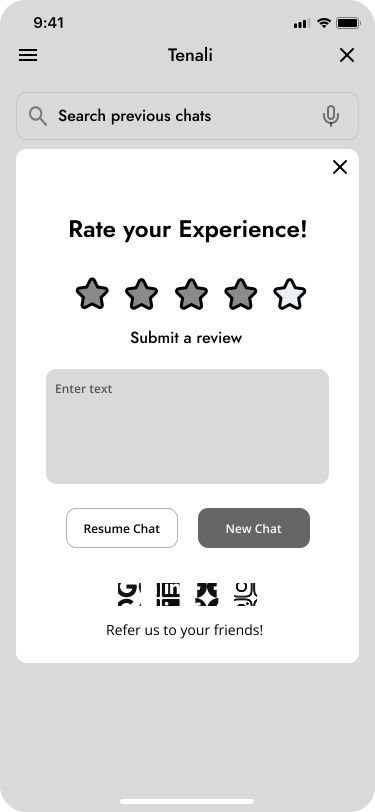
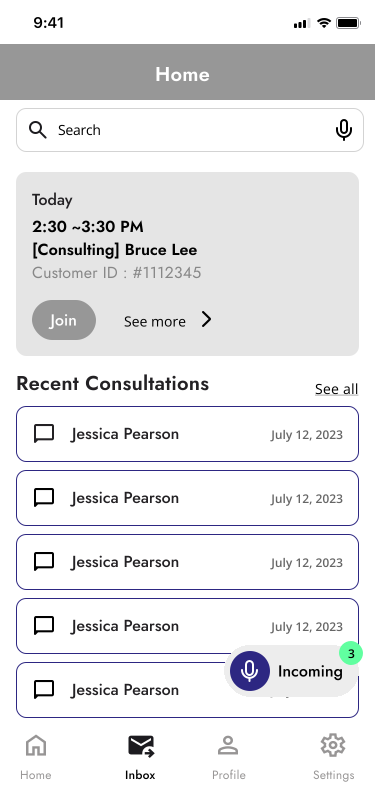
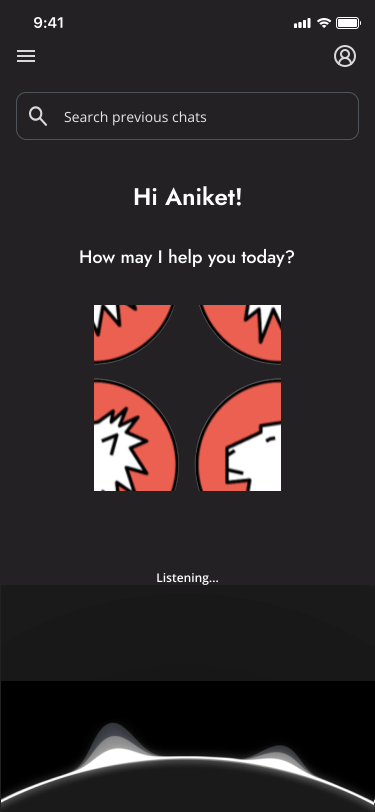
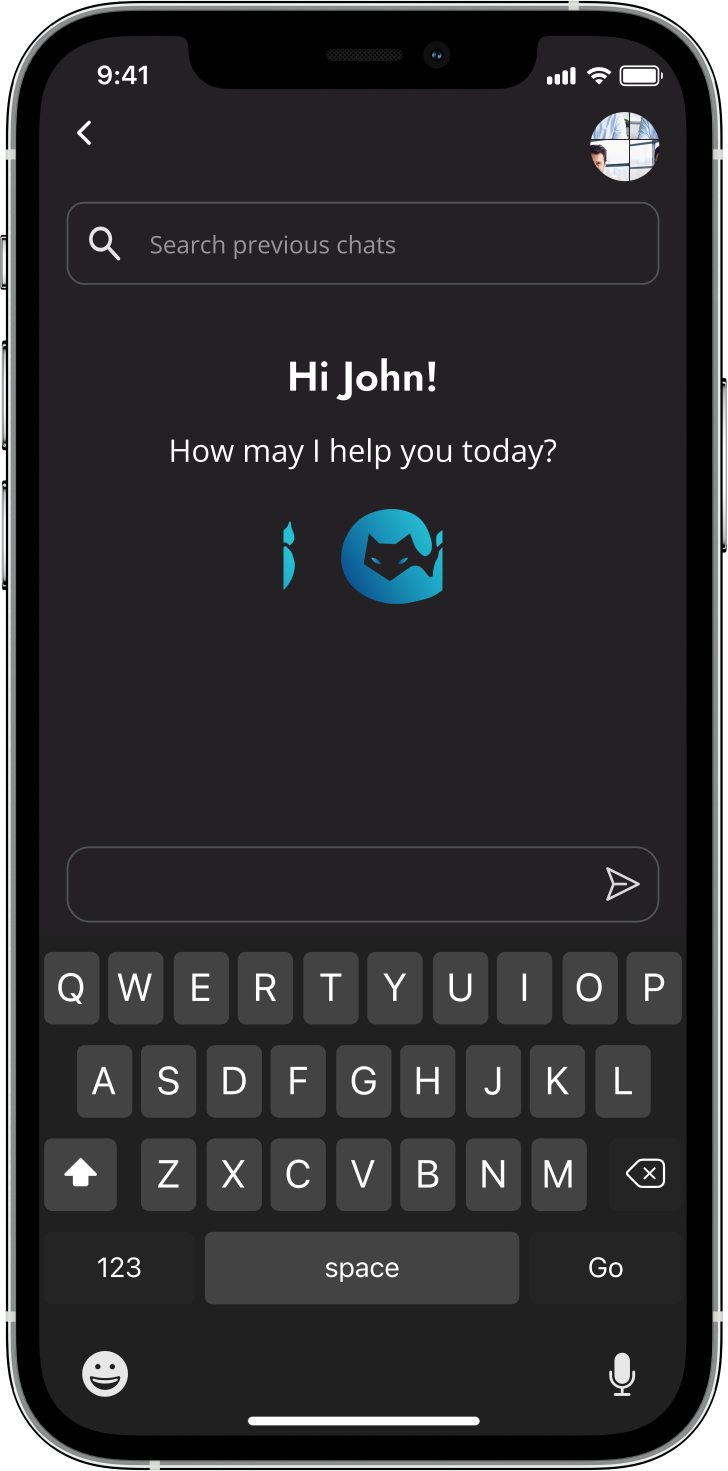
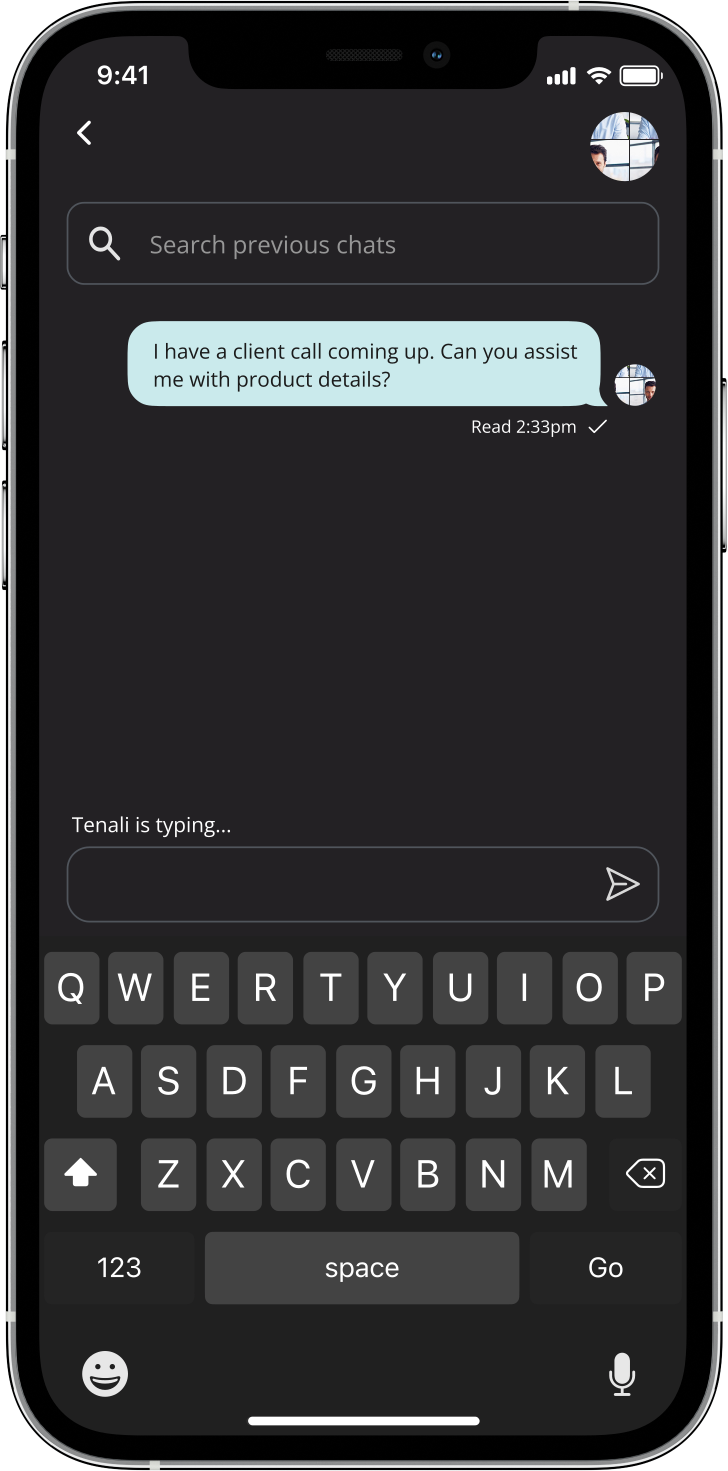
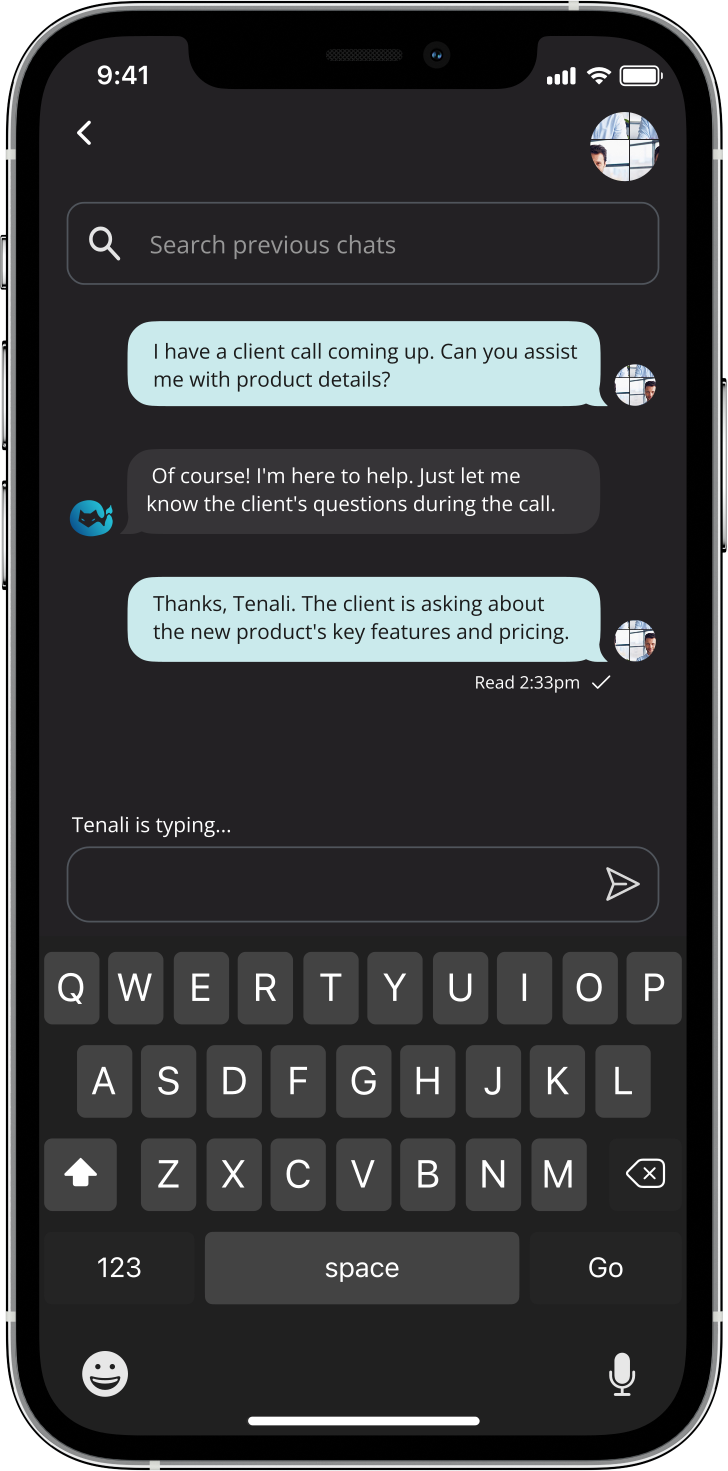
Our medium-fidelity wireframes were focused on consistency in elements like sizing and typography. Client feedback prompted us to revisit certain elements of our medium-fidelity designs, presenting challenges that required further attention and time to resolve. My specific focus during this iteration was to fine-tune the chatbot interaction screen to align with the client's vision, ensuring a seamless experience for users during both chatbot conversation and feedback submission.
Iterations...
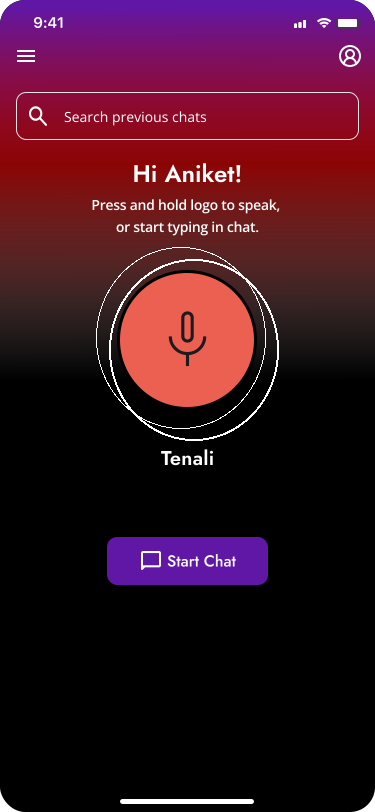
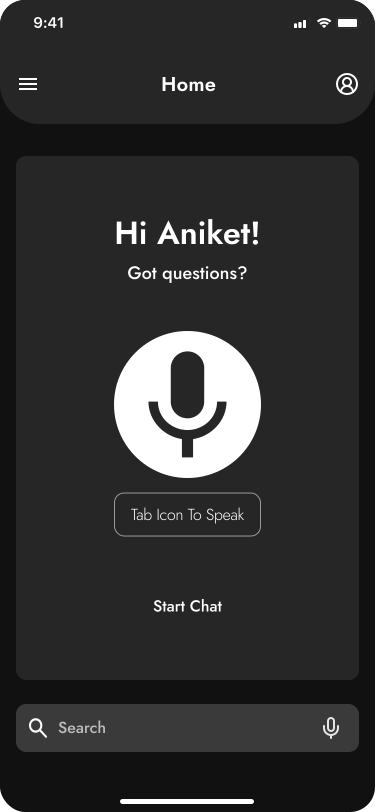
We Presented 3 Home Screen UI Iterations for Client Review.
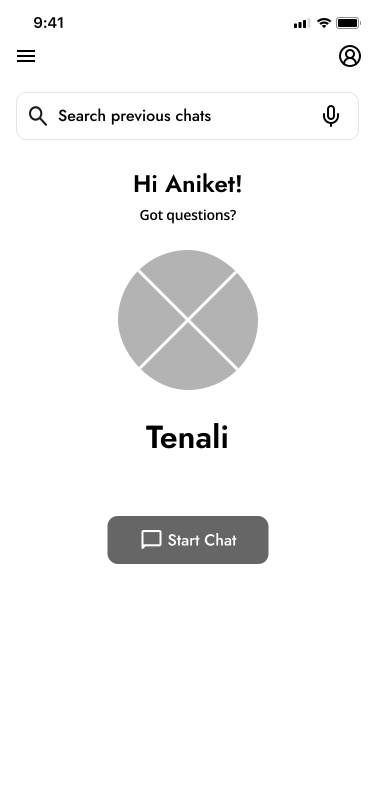
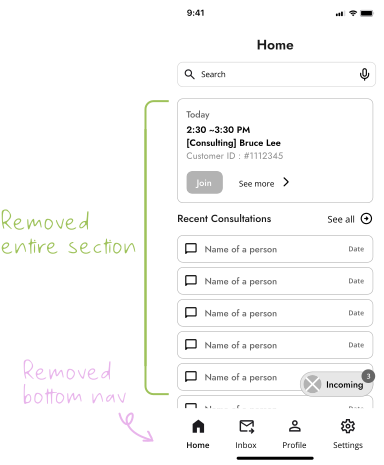
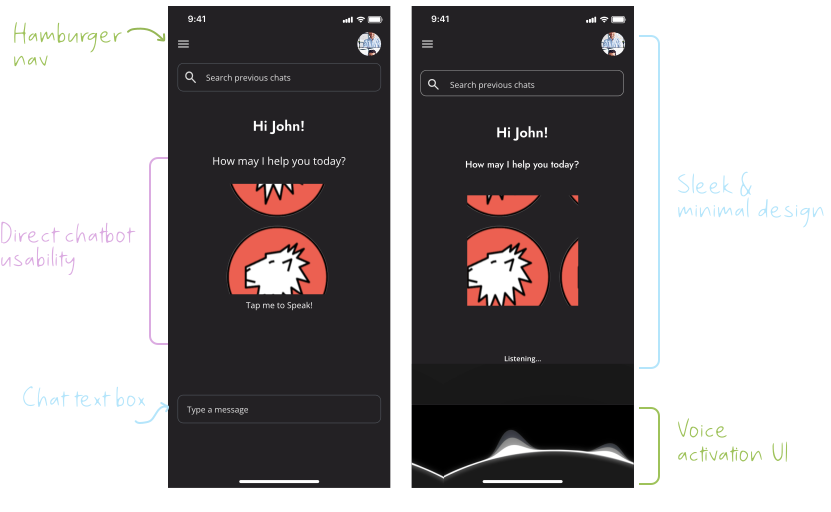
We presented our top three home screen UI iterations to the client for feedback. Initially, the client preferred a more minimal design focused on instant AI chatbot interaction. In response, we created a second set of designs. I contributed to iteration #3, simplifying the UI by removing excess text, features, and buttons, focusing only on the chatbot and search bar to match the client’s vision.
Version 1
Iteration #1
Iteration #2
Iteration #3
Version 2
Iteration #1
Iteration #2
Iteration #3
✰ My iteration was chosen!...
Considering the client’s demanding schedule, we turned to our design mentor for guidance. After a comprehensive discussion, we unanimously preferred my iteration (iteration #3, version 2). This choice was made due to its flat, contemporary, and uncluttered UI design, which we believed best met the project's requirements and was likely to improve usability.
Original Med-Fi
Final UI Iteration
Adding some personality...
Building Tenali's Style Guide.
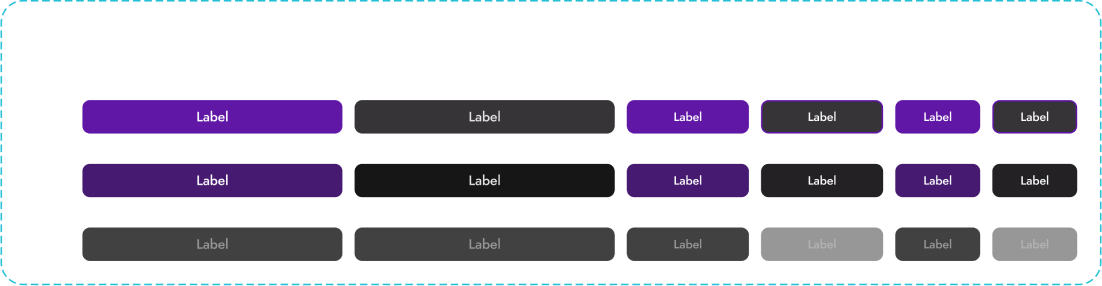
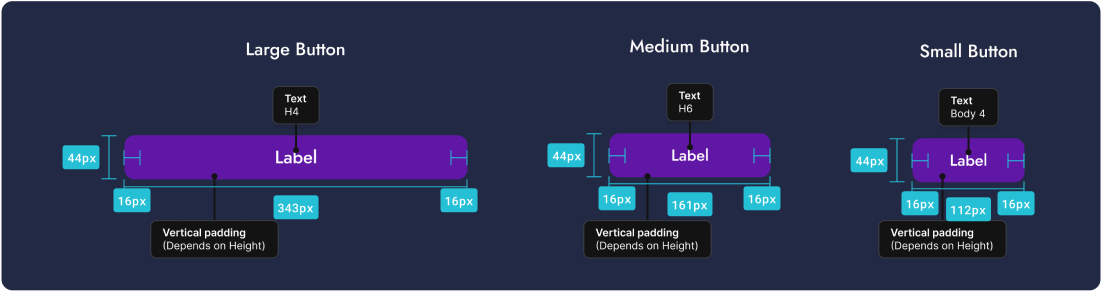
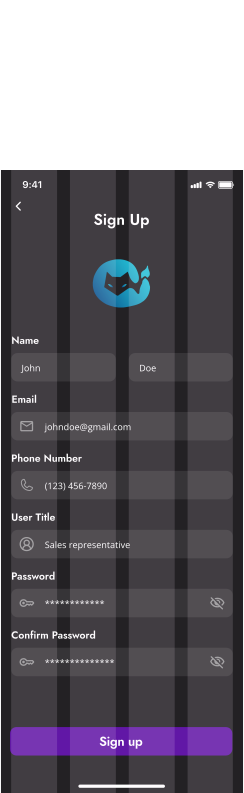
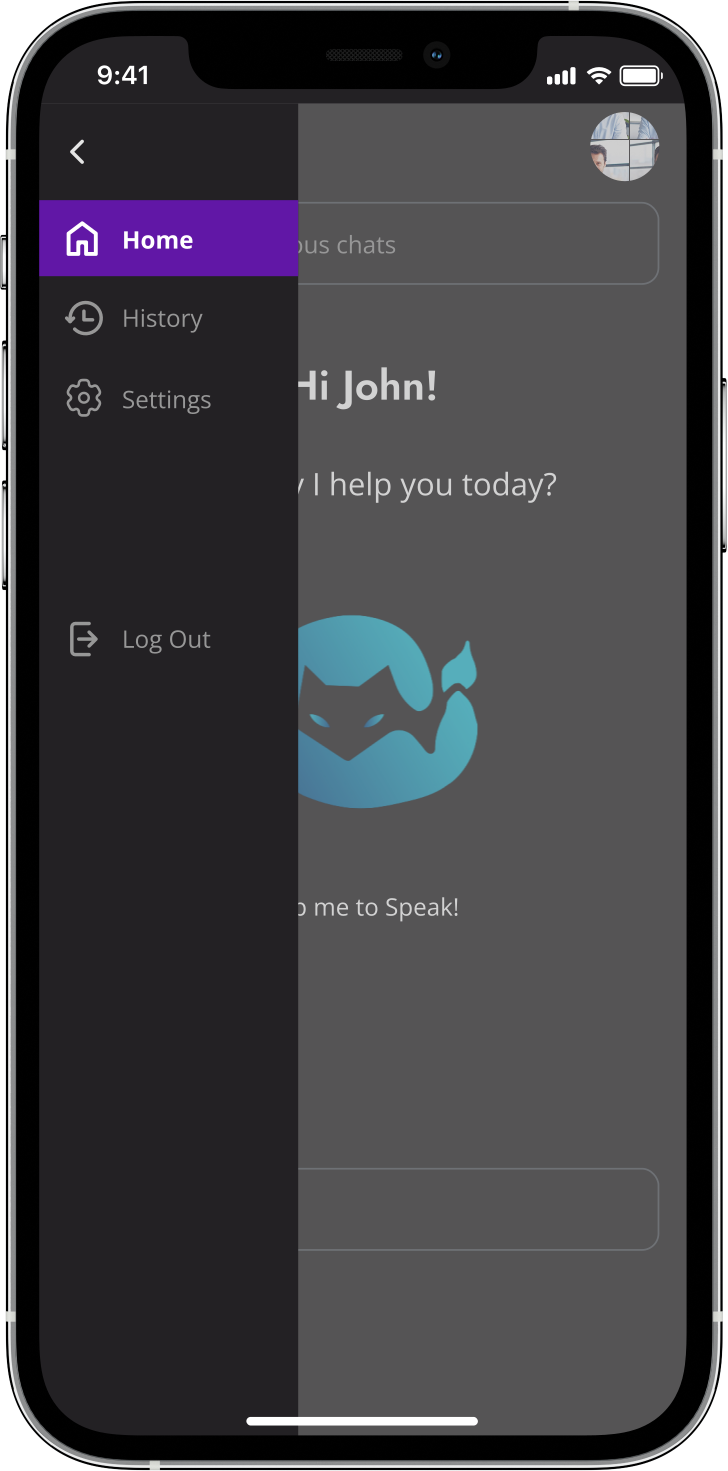
We incorporated distinct sections within the style guide, encompassing the color palette, typography, icons and buttons, input fields and navigation, UI elements, and gridline spacing.
Color Palette
Without specific color guidelines from the client, we selected shades that complemented the provided Tenali logo. We leaned towards darker, more vibrant colors to match the company's branding while conveying a futuristic and bold aesthetic.
Primary Colors
Chinese Purple
HEX : #6117a6
HSL : 271, 75.7, 37.1
RGB : 97, 166, 23
Tenali Teal
HEX : #25c0d6
HSL : 187, 70.5, 49.2
RGB : 37, 214, 192
Raisin Black
HEX : #232124
HSL : 280, 4.3, 13.5
RGB : 35, 36, 33
Soft Grey Blue
HEX : #caeaec
HSL : 184, 47.2, 85.9
RGB : 202, 236, 234
White White
HEX : #ffffff
HSL : 0, 0, 100
RGB : 255, 255, 255
Greyscales
Input Box Black
HEX : #363437
HSL : 280, 2.8, 21
RGB : 54, 55, 52
Stroke Grey
HEX : #50555c
HSL : 215, 7, 33.7
RGB : 80, 92, 85
Dark Grey
HEX : #979797
HSL : 0, 0, 59.2
RGB : 151, 151, 151
Blue Grey
HEX : #99acad
HSL : 183, 10.9, 63.9
RGB : 153, 173, 172
Light Grey
HEX : #e5e5e5
HSL : 0, 0, 89.8
RGB : 229, 229, 229
Typography
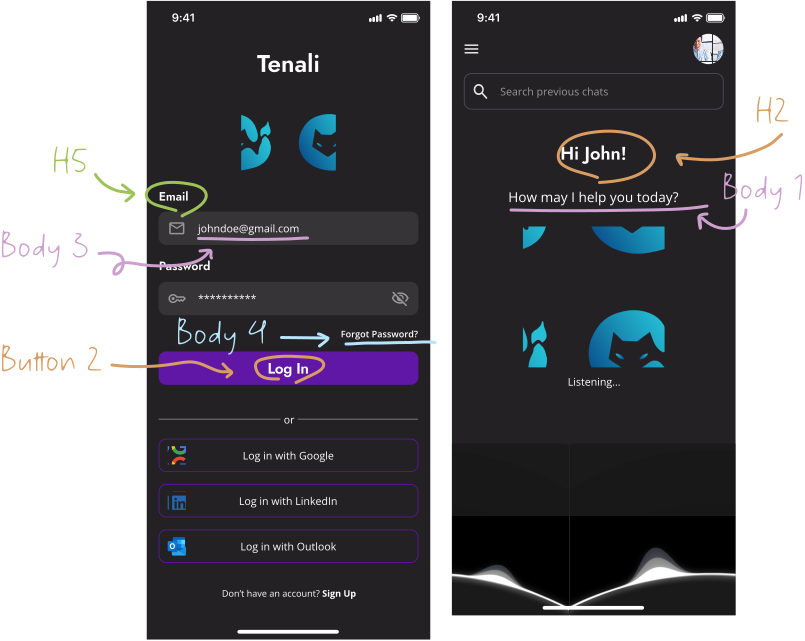
We chose Jost for headings and Open Sans for body text for their readability and simplicity, matching Tenali's brand. The use of varied weights and sizes in Jost established a visual hierarchy, guiding users with ease, while Open Sans ensured legibility for longer texts.
H1 Semibold/ Jost
H2 Semibold/Jost
H3 Semibold/Jost
H4 Medium/Jost
H5 Semibold/Jost
H6 Medium/Jost
32
24
20
18
16
16
Body 1 Regular/Open Sans
Body 2 Regular/Open Sans
Body 3 Regular/Open Sans
Body 4 Semibold/Open Sans
18
16
14
12
Button 1 Medium/Jost
Button 2 Semibold/Jost
12
20
Icons and Images
Buttons
Grid
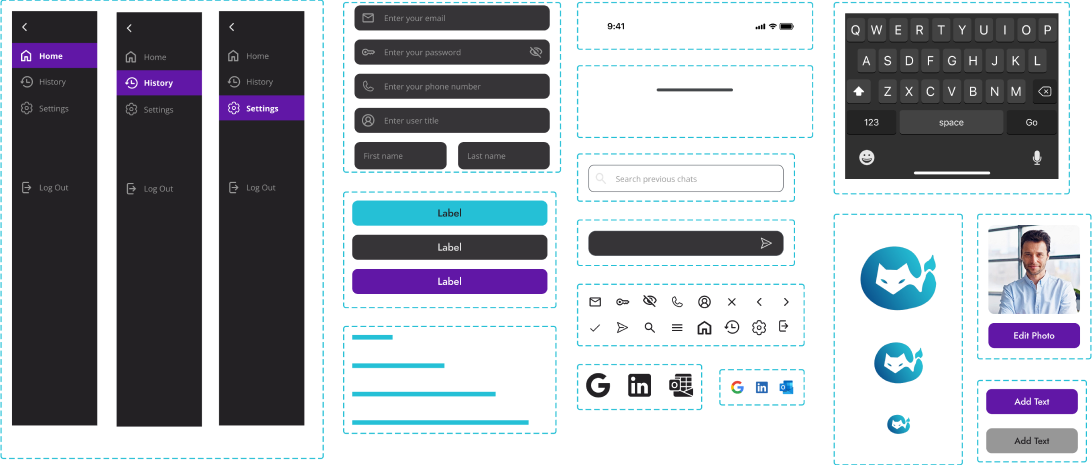
Component Library
I put together a component library containing buttons, forms, headers, footers, and icons, to maintain uniformity across our designs. Frequent updates grew our library, improving our design approach.
Modifications were applied...
Regular Feedback from our Client Helped us Revise our Designs that Initially Fell Short.
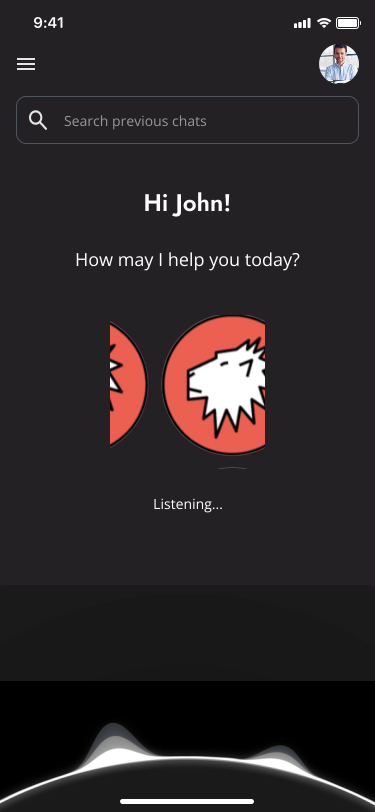
✰ Logo Change
We received a request to update the existing company logo with a new version. By integrating the updated logo into our high-fidelity design, we demonstrated the flexibility of our workflow. This change was made smoothly, ensuring the design remained in sync with the client's updated branding.
✰ Home Screen Changes
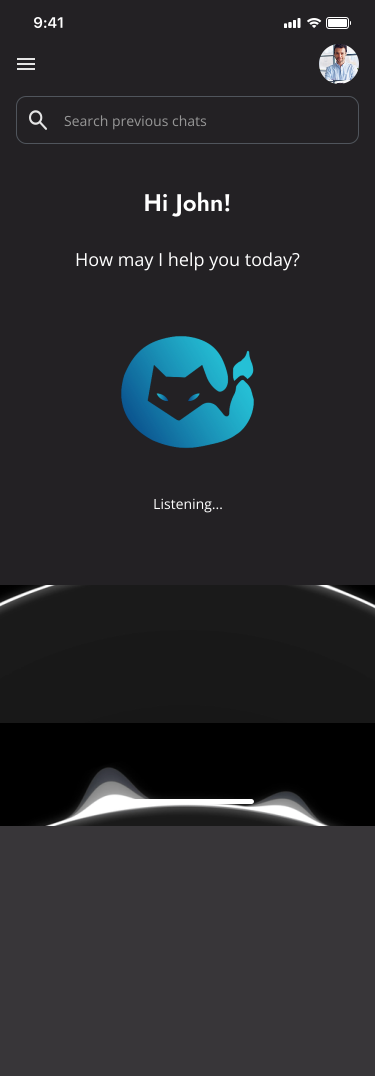
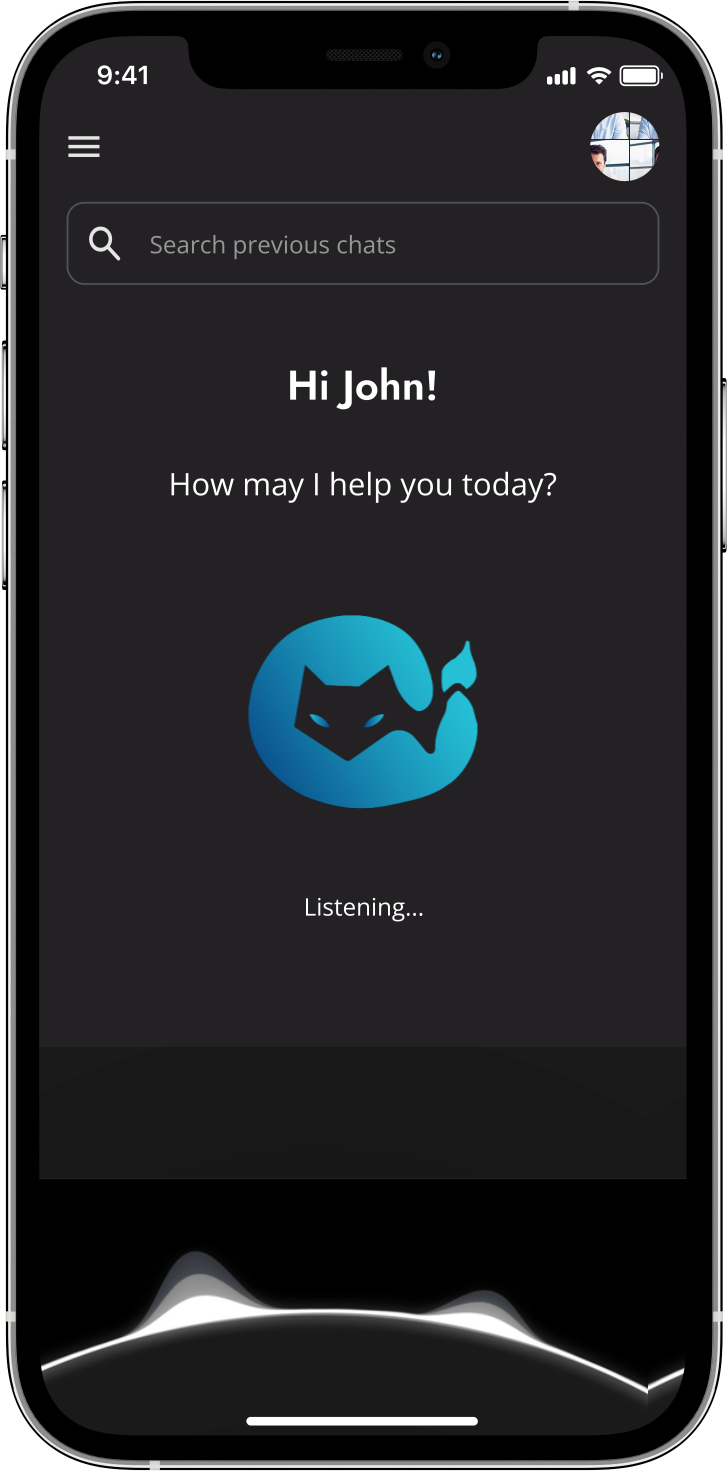
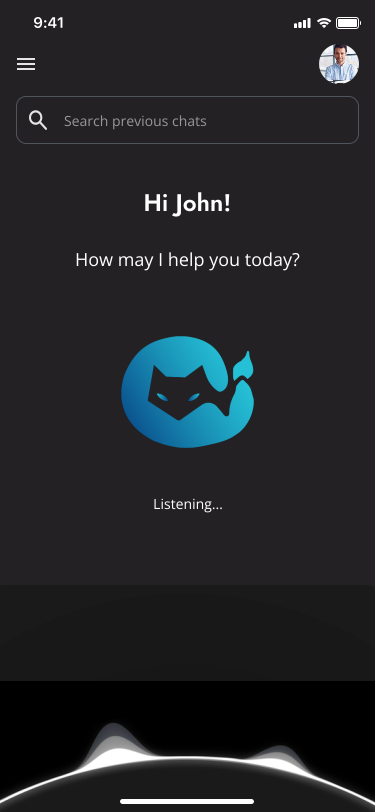
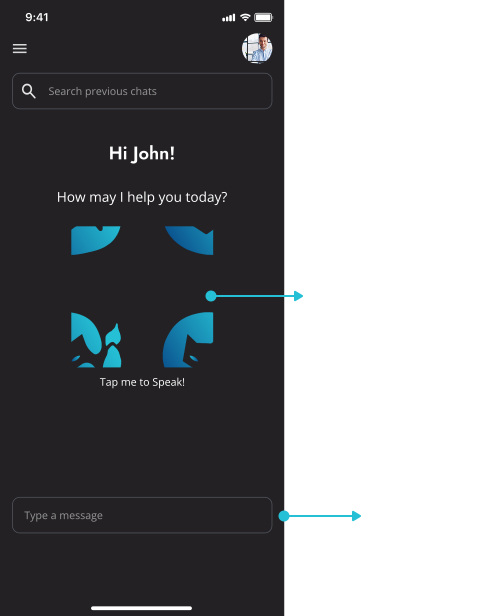
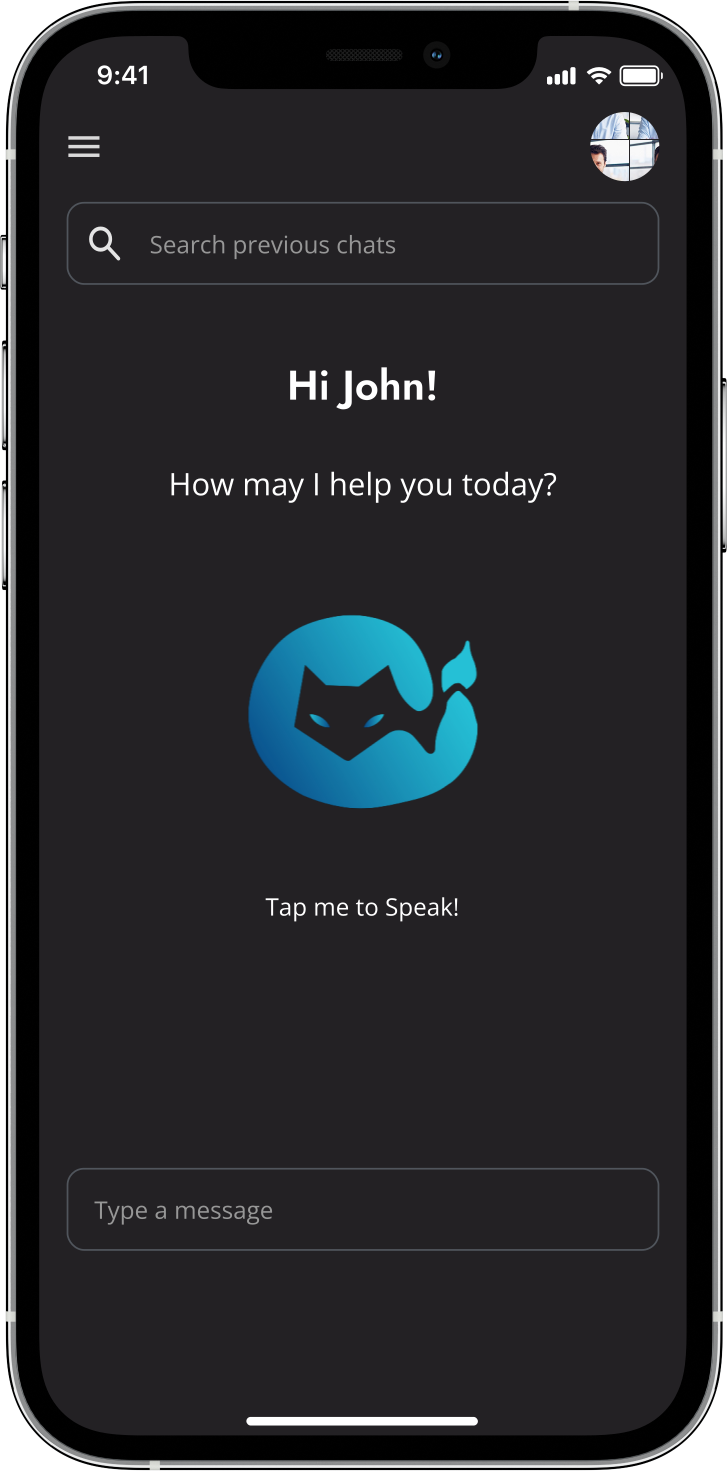
For the home screen, the client emphasized a minimalist, clutter-free interface focused on chatbot accessibility. I removed extra elements, making the chatbot the centerpiece. A search bar enhanced user interaction, and the Tenali logo served as an interactive button for voice chat. A text input field remained for users who preferred typing.
Before
After
✰ Profile Screen Changes
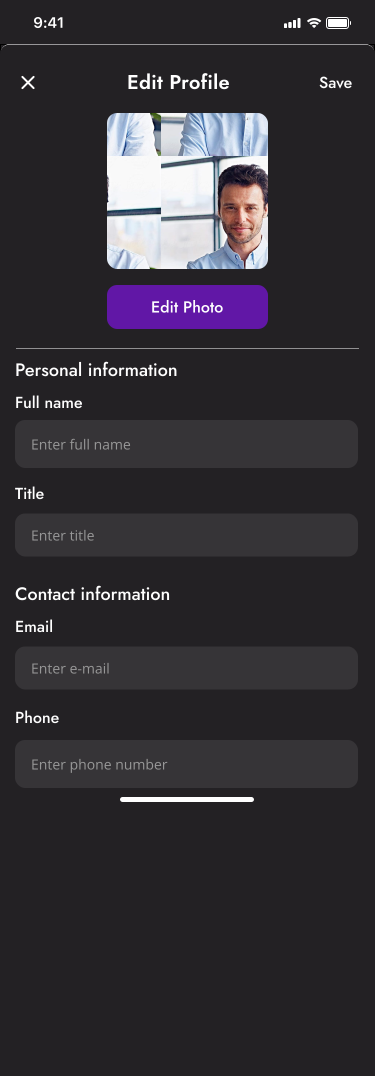
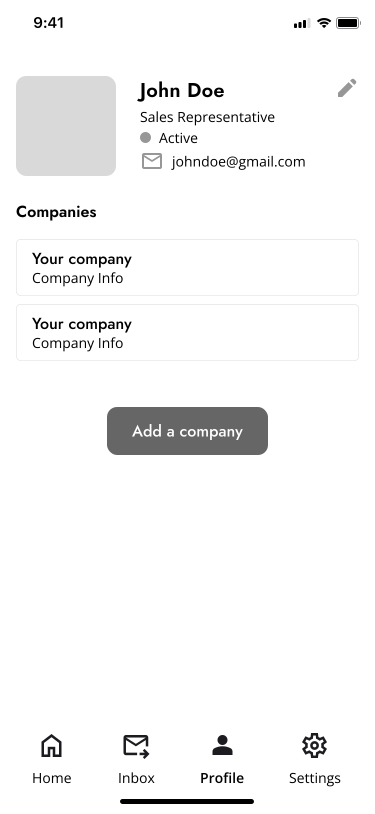
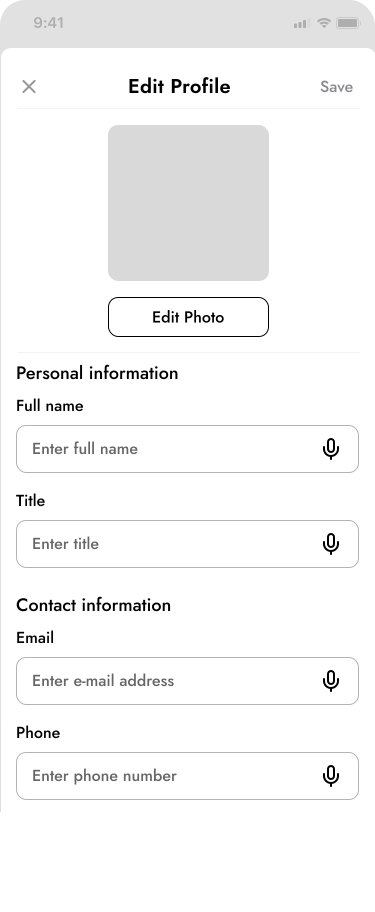
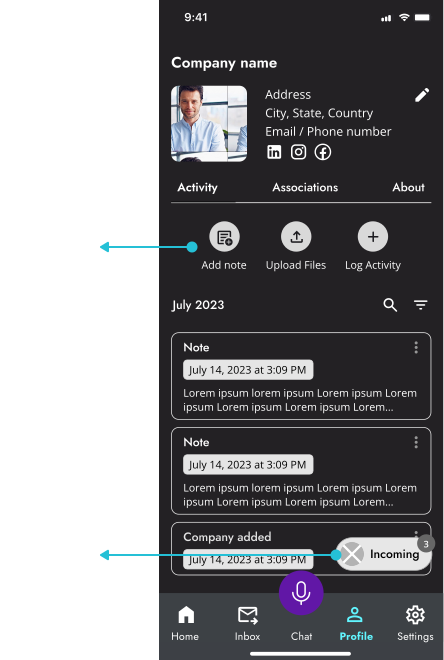
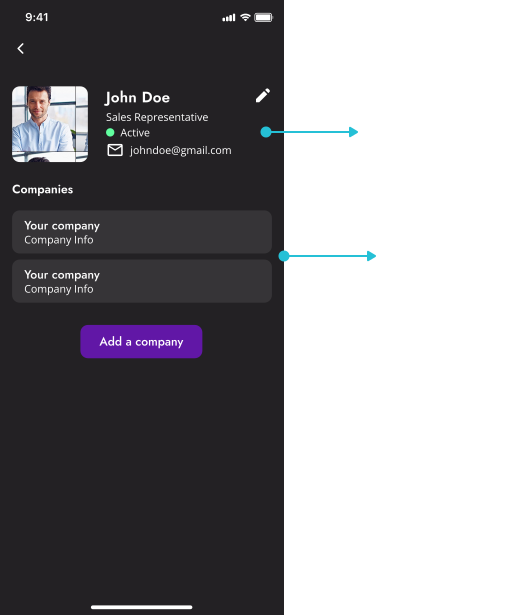
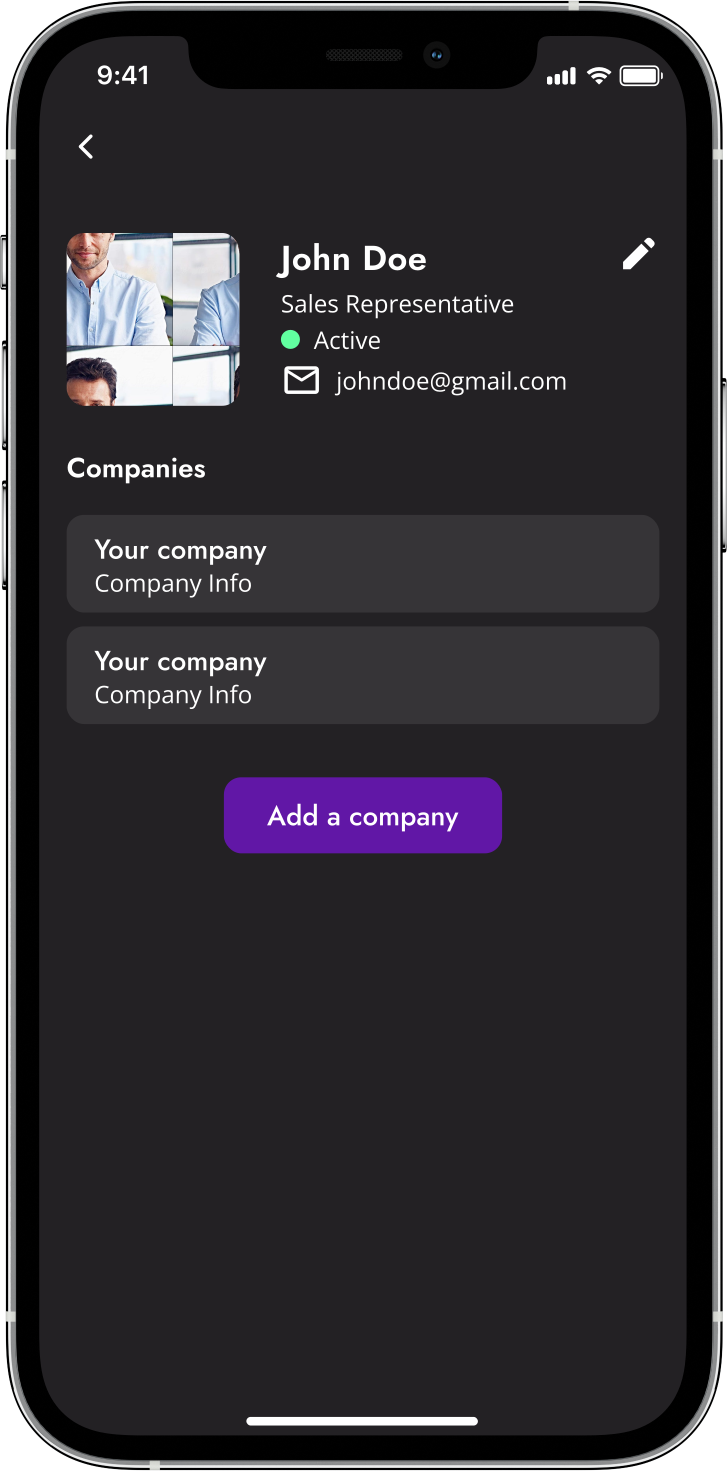
In redesigning the user profile, we focused on simplicity by removing unnecessary features, social links, and the 'notes' section. We also eliminated the FAB and added a direct 'add company' button, creating a cleaner and more intuitive layout.
Before
After
Developer handoff...
Our Designs Were Prepared for the Next Phase!
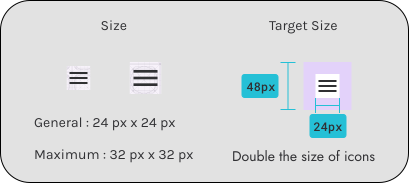
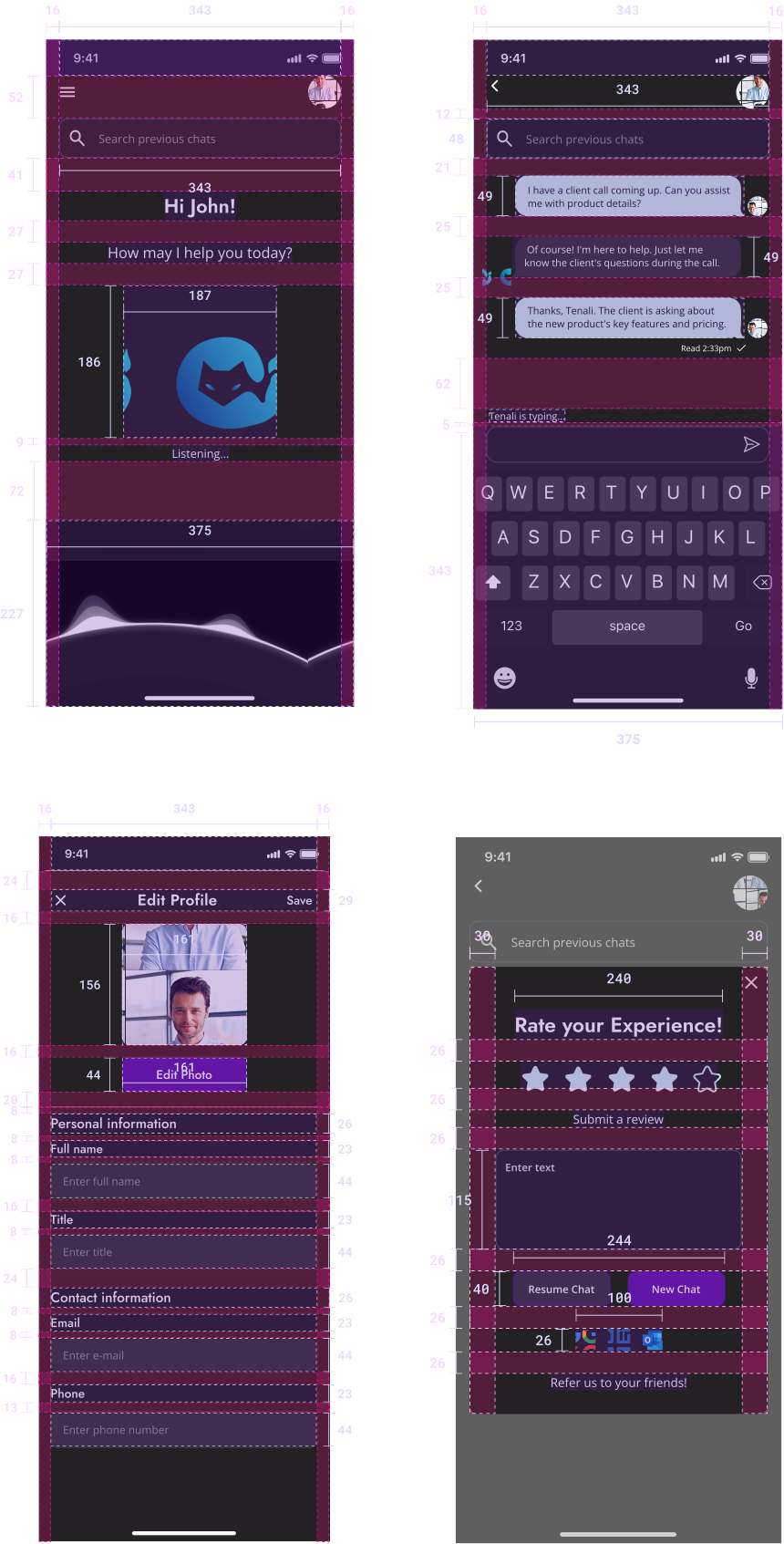
To aid the development team, I  provided comprehensive specifications on measurements and spacing that offered valuable insights to our design intent. I took to the role of crafting developer handoff annotations for the chat interface screen, the edit profile screen, and the rate your experience screen.
My takeaways...
Effective Communication Across Time Zones.
The diversity of our team's locations, including a member in Seoul and our client in India, introduced unique challenges in communication. Yet, it was this very aspect that demonstrated the importance of establishing regular and clear interactions. Our commitment to open dialogue, despite time differences, ensured that we could align our perspectives, seamlessly incorporate feedback, and remain adaptable to changes. This process was crucial in maintaining a coherent design direction and in fostering a collaborative environment.
Next Time.
In future projects, my focus will be to anchor the design process with more extensive research. Although our client provided a solid understanding of Tenali, relying solely on this second-hand information meant missing out on firsthand insights. Moving forward, I aim to incorporate direct user studies and broader market analysis to inform my designs. Doing so promises a richer understanding of user needs and market trends, leading to solutions that are not only tailored and relevant but also innovative and impactful
What’s Next?
As I move on from this project, I'm ready for new challenges. The lessons learned will guide me in conducting deeper research and developing designs that are even more in tune with user needs. I'm enthusiastic about the opportunities this experience has unlocked for the next chapter in my design journey!