Redesigning a B2C web platform created to facilitate the connection between planners and consumers.
Role
Sole UX/UI Designer for the assigned Jira tickets
Tools
Figma Jira
Duration
1 week
Process
Discovery Design Prototype Reflection
A little back story...
Connecting Planners with Consumers for Efficient Solutions.
The Plannie platform partners with businesses to connect with consumers, offering planning and organizational solutions tailored to managing schedules, tasks, and goals. As a B2C product, Plannie enables planners to showcase their expertise while helping users find planners that fit their specific needs and preferences.
How It Works
A flexible and affordable way to work with Event Planners and Day-of Producers
Select a Planner
Request your preferred planner,
get matched, and add the minimum credit to start.
Work with a Planner
Connect directly with your planner, who tracks work on a shared time log. They won't exceed your pre-approved time credit, ensuringno surprise charges!
Add Time
Need more time? No problem! Add credit as needed, with no long-term commitment.Work with a planner as much or as little as you want.
So what's the Problem...?
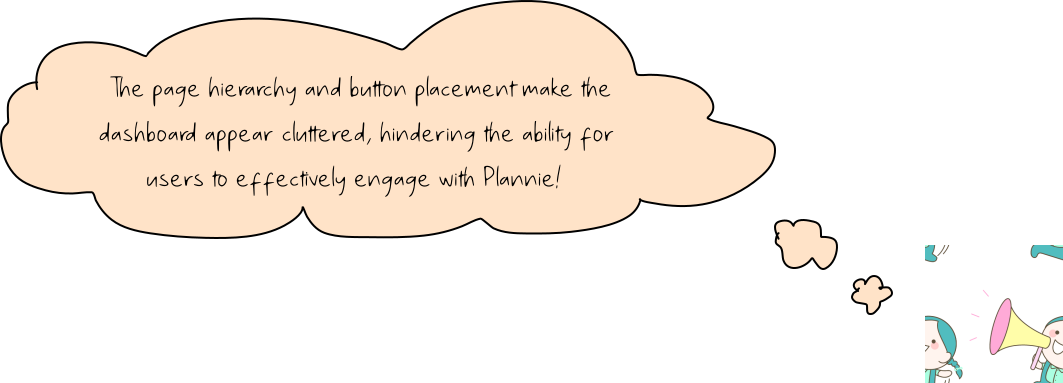
Plannie’s Dashboard Lacks Key Features for Easy Access and Navigation.
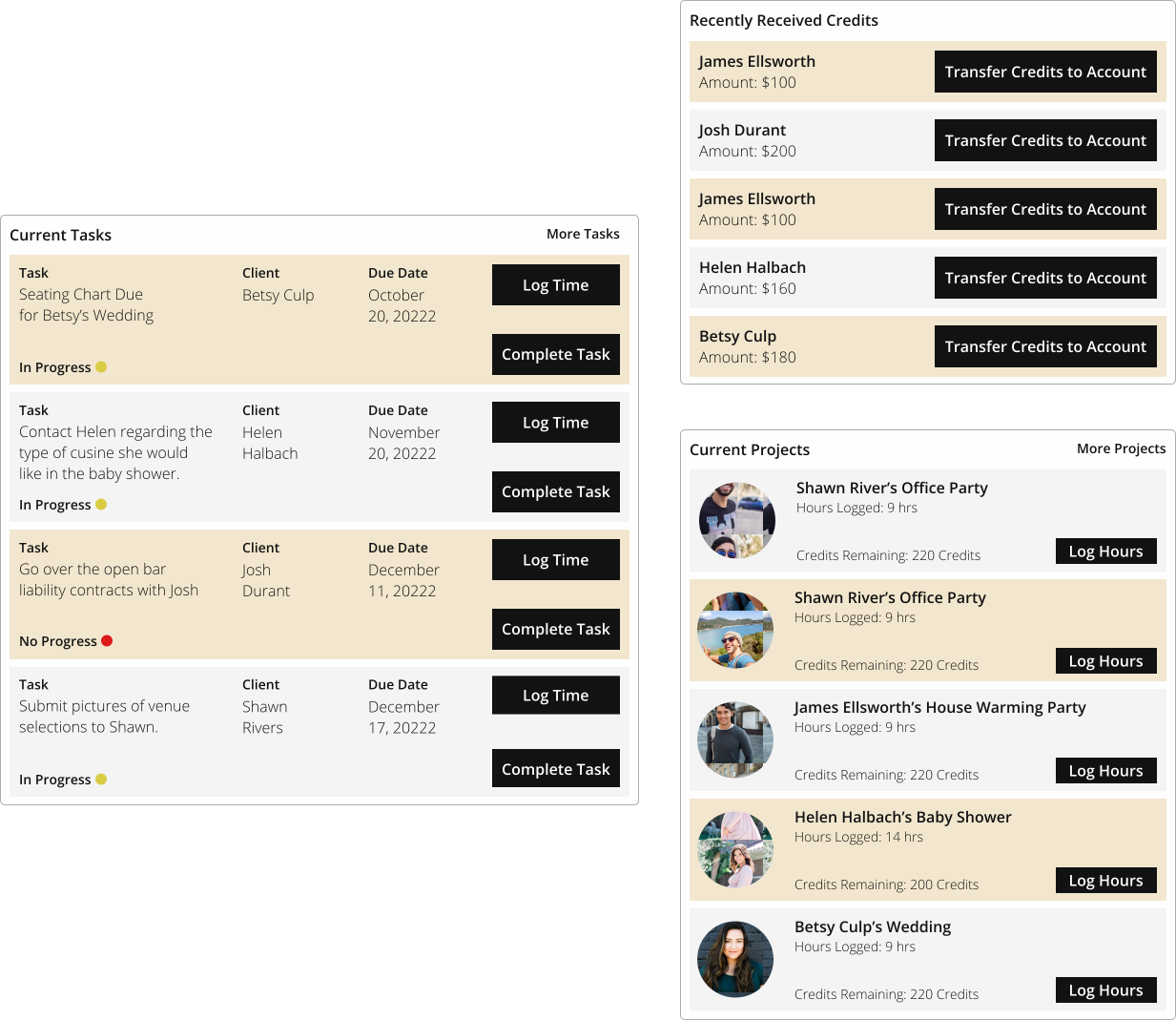
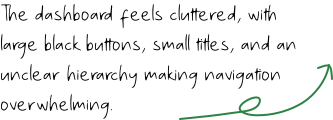
Plannie connects skilled event planners globally for hire by the hour, but the absence of a dedicated marketplace creates challenges: a cluttered dashboard, no messaging system, inconsistent text hierarchy, and a lack of an events page for tracking and navigation. These gaps limit flexibility, control, and transparency, disrupting the overall user experience.
The solution...
I Found a Better Way to Bring Planners and Users Together with a New Dashboard and Events Page.
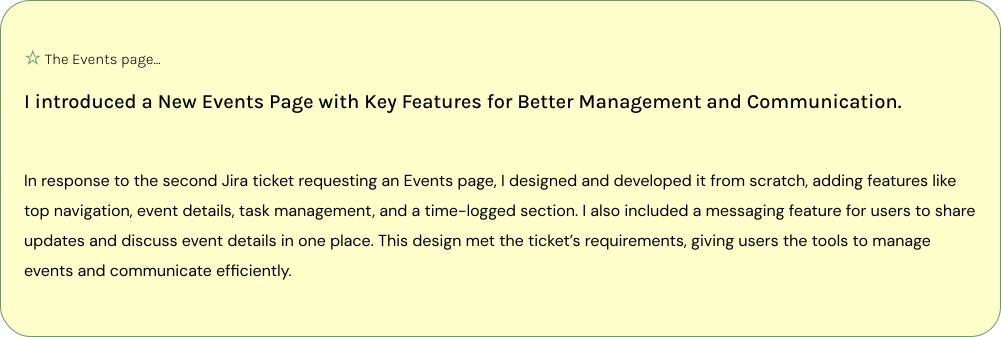
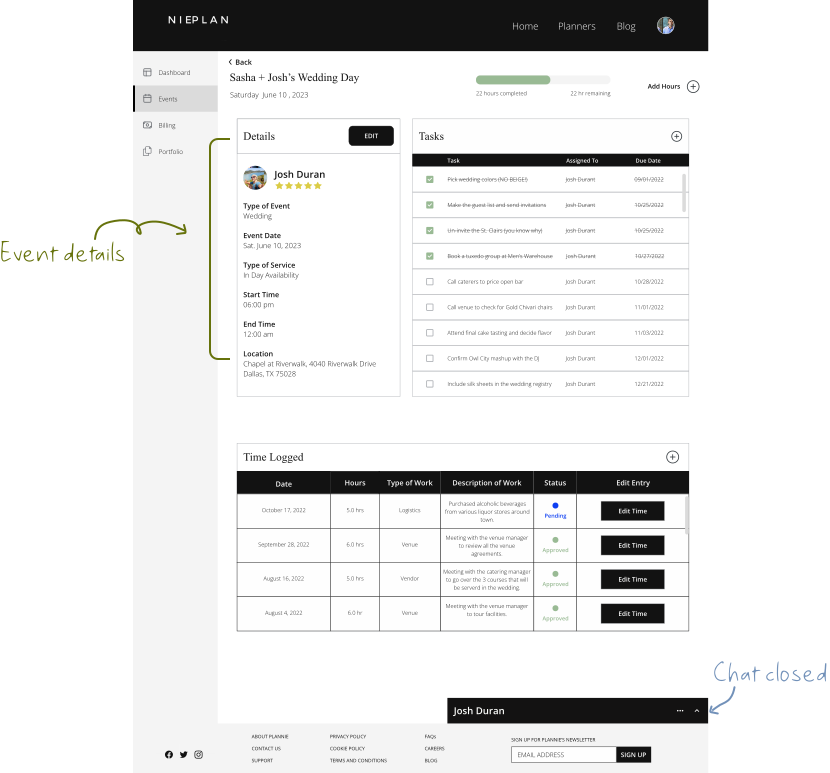
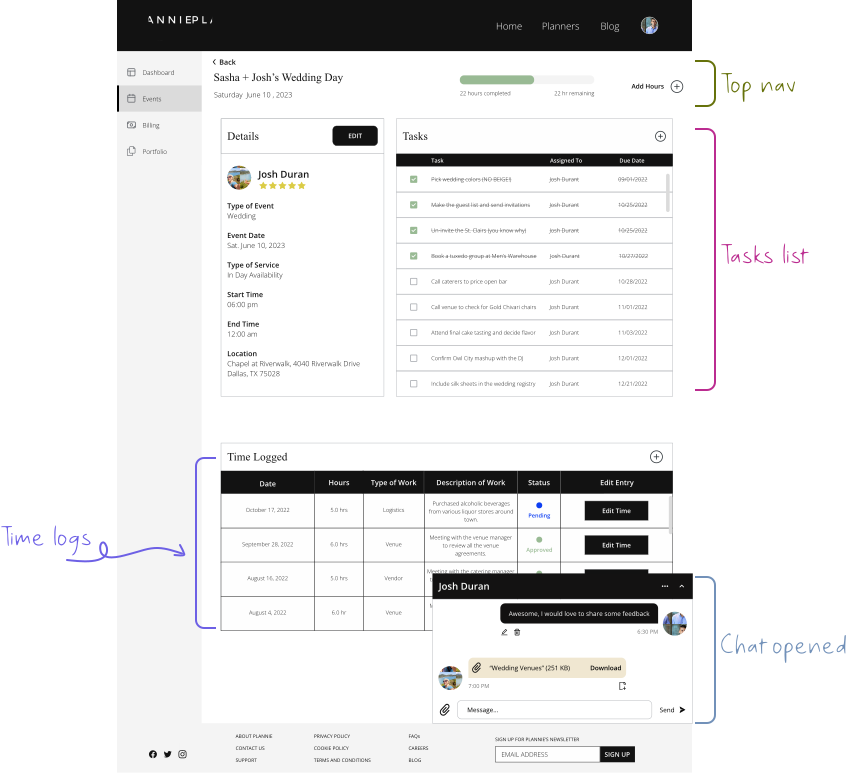
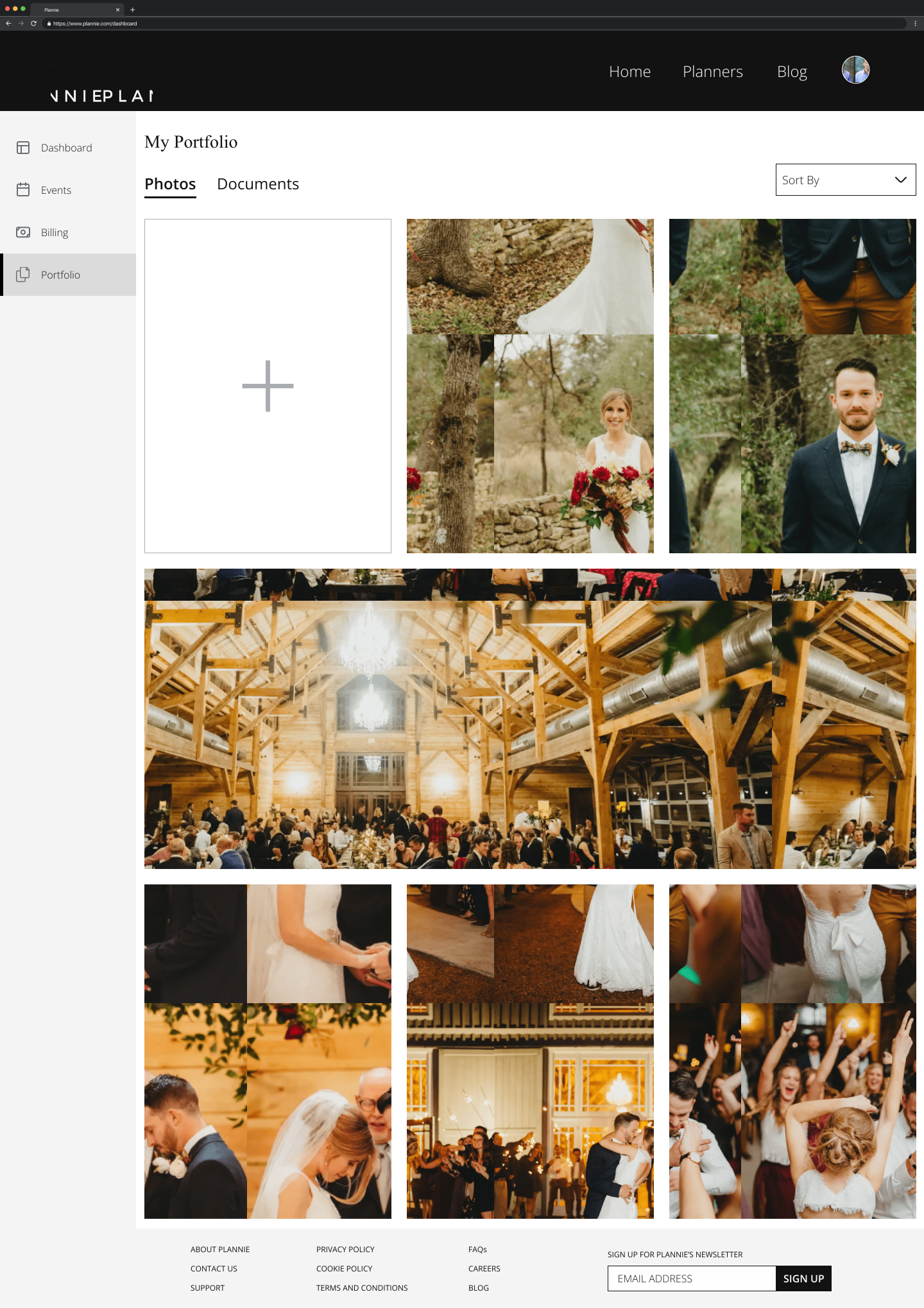
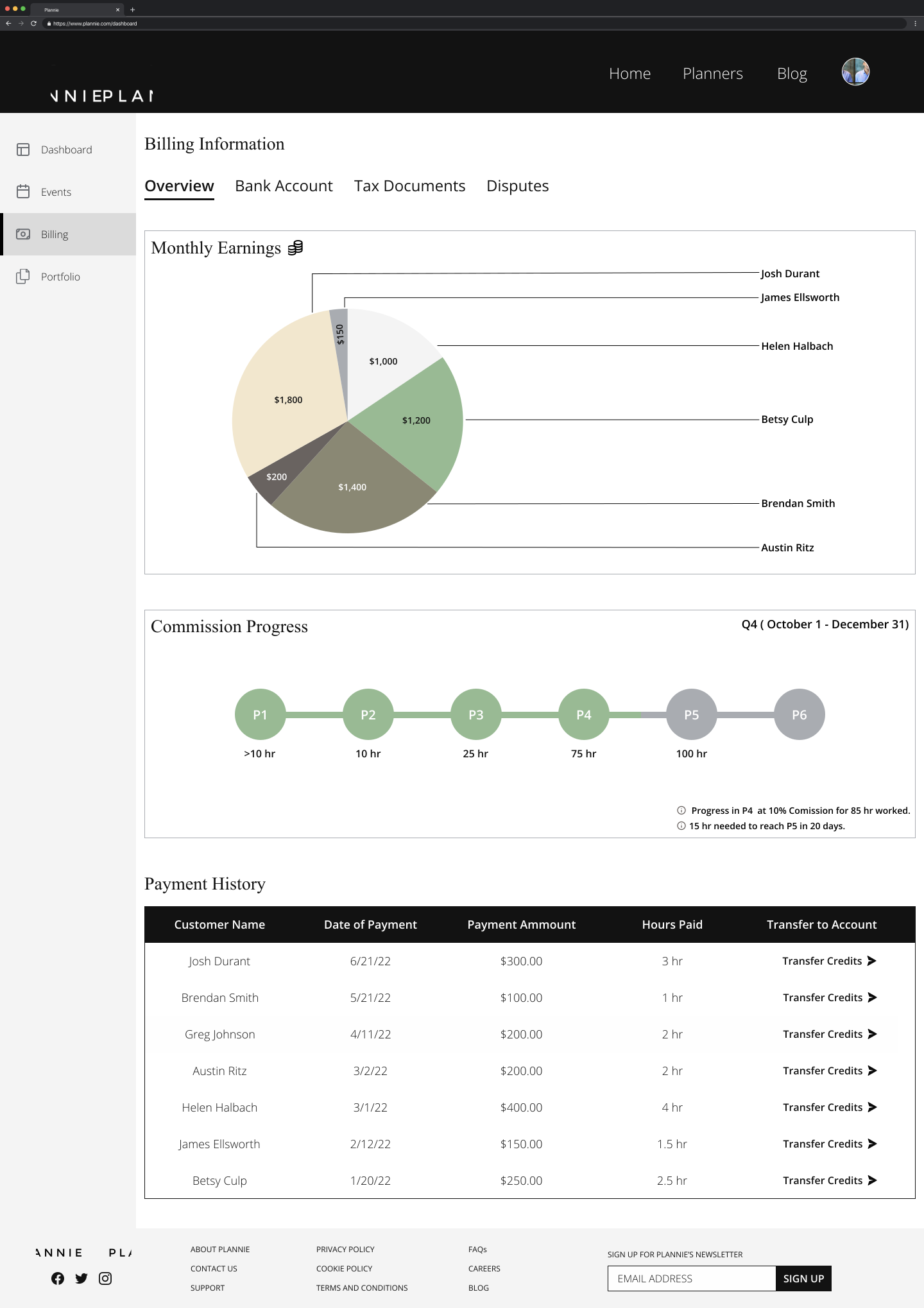
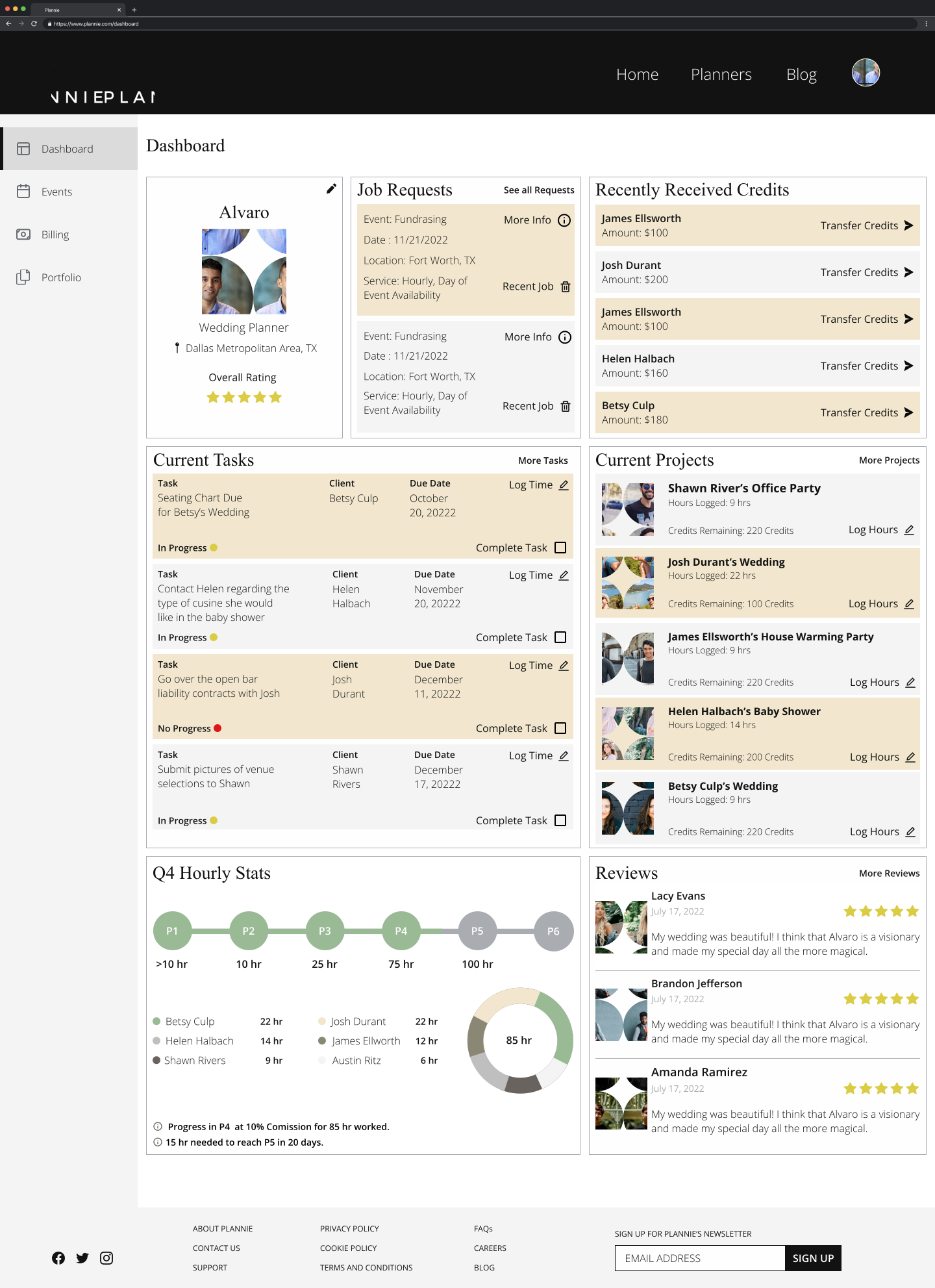
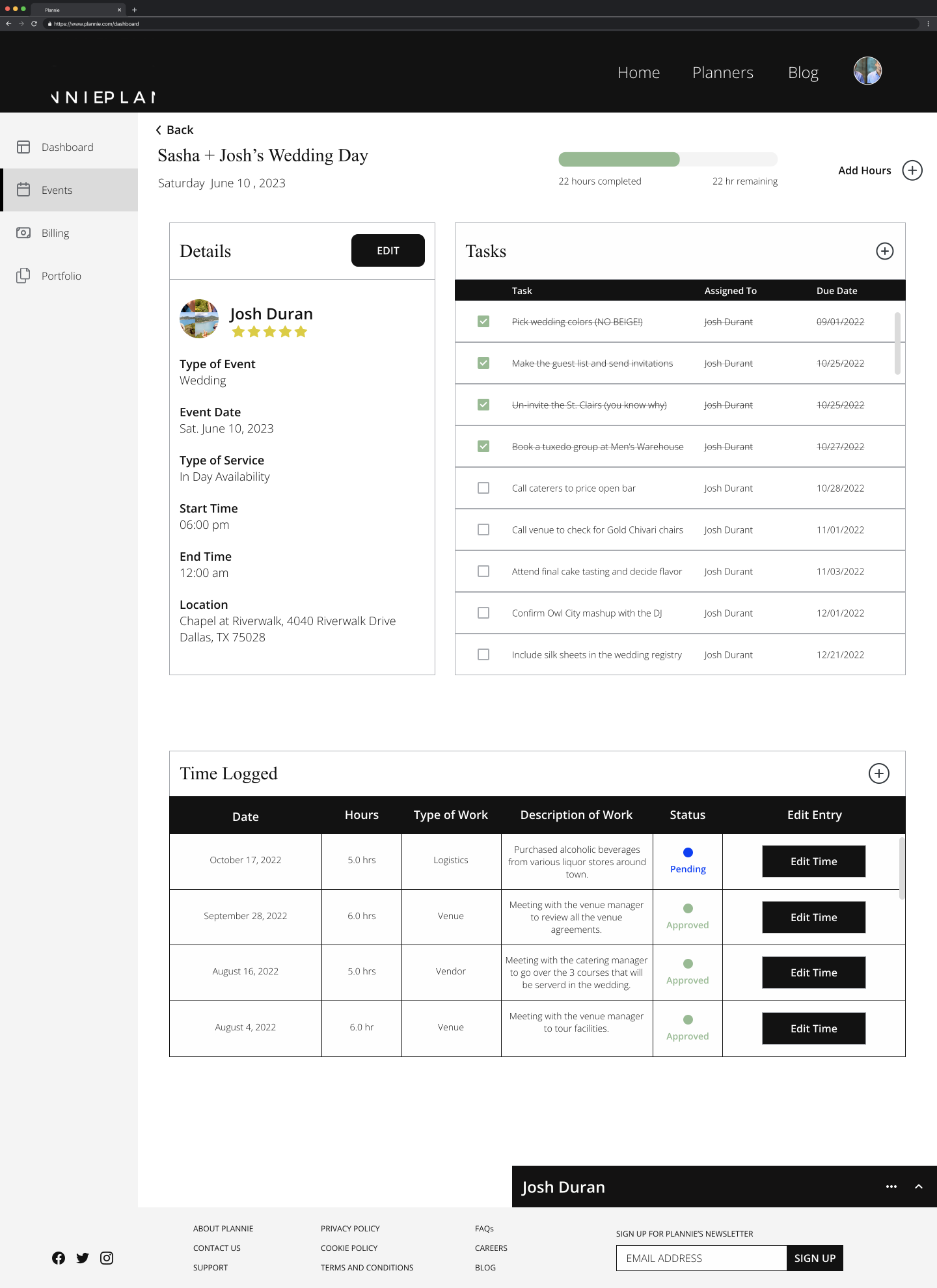
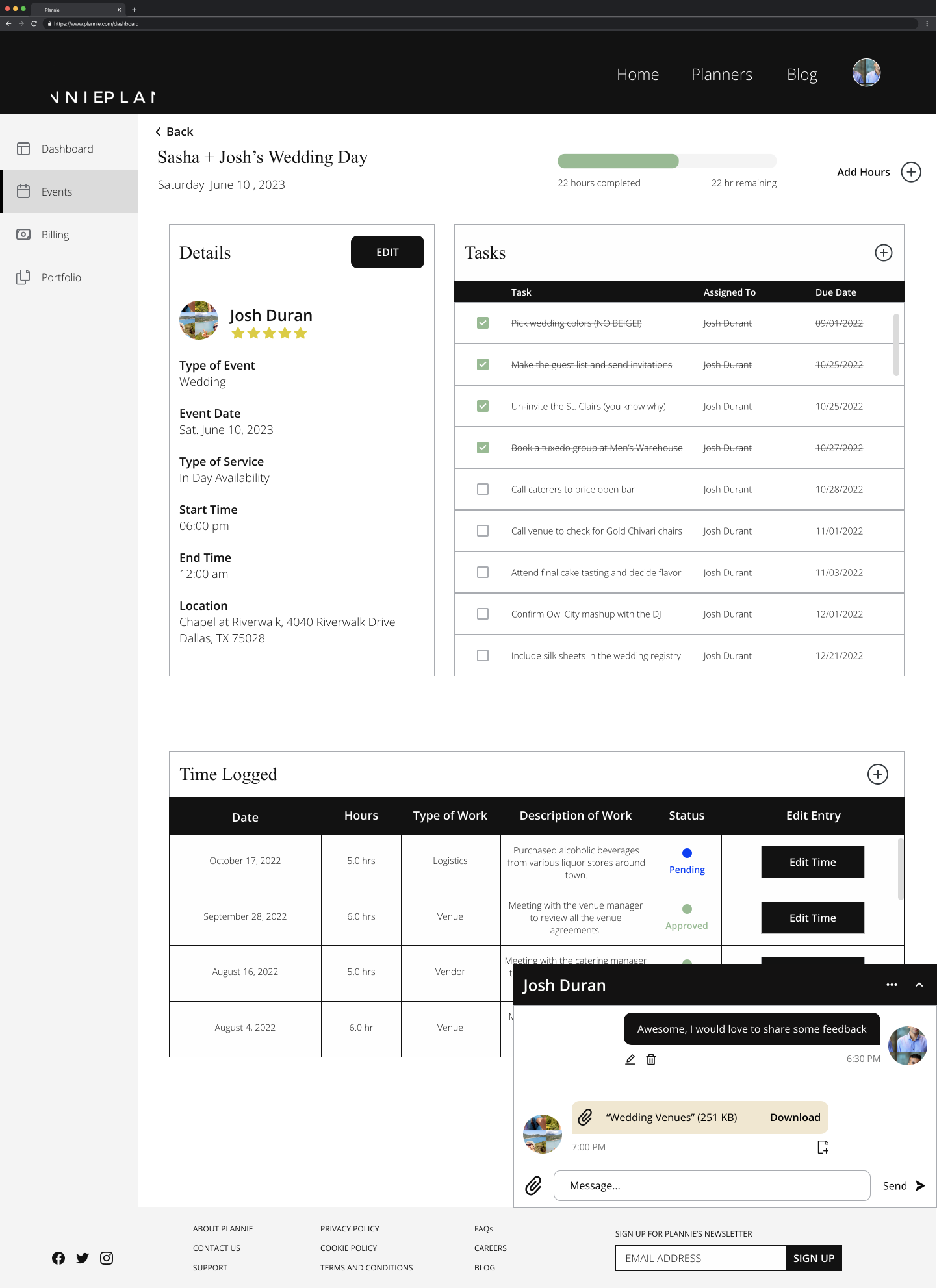
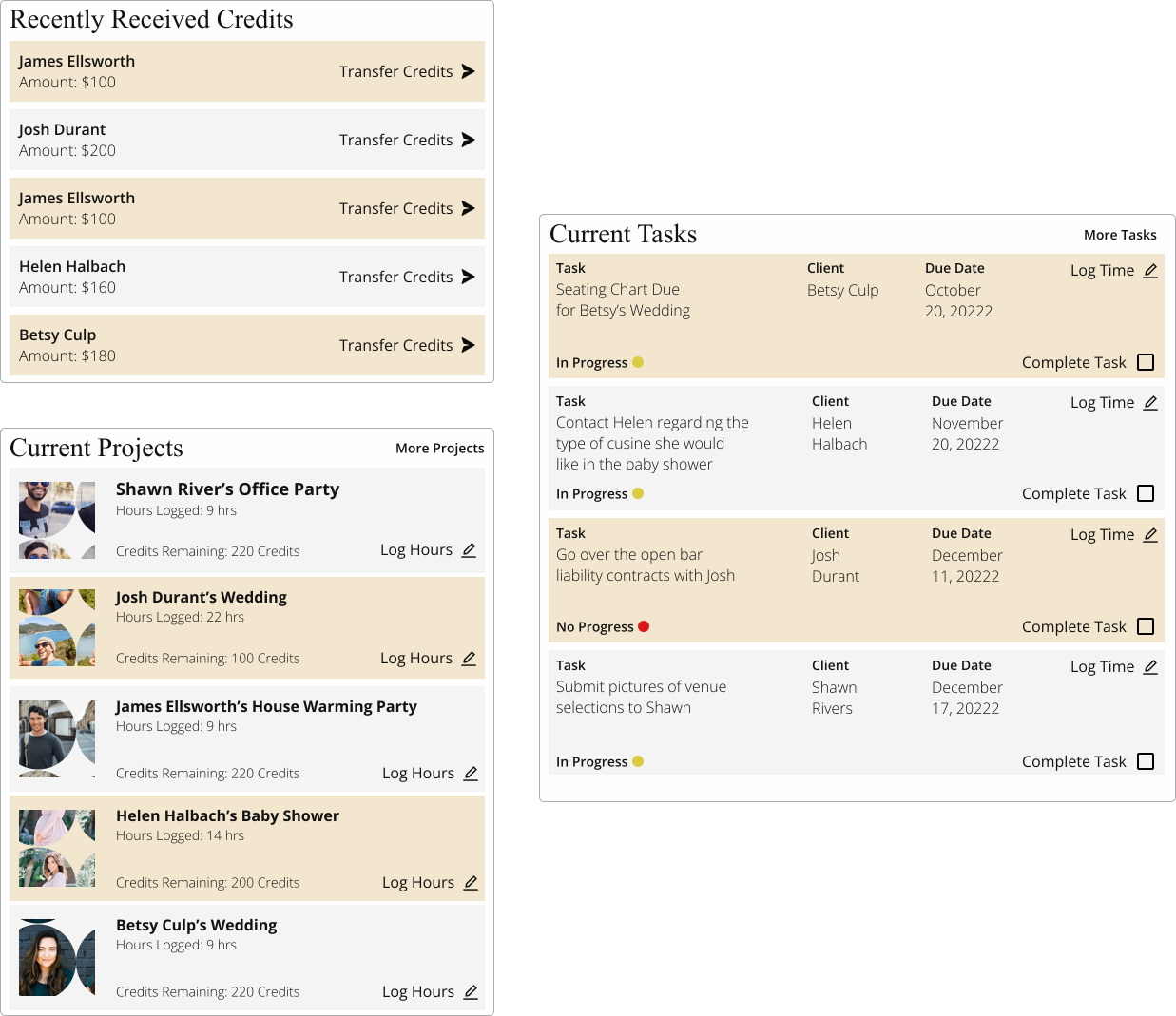
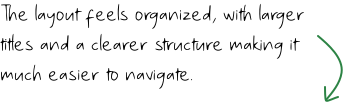
I launched a new dashboard and Event page to enhance functionality and accessibility. The dashboard enabled direct connections with planners, removing the need for Plannie’s mediation. The Event page improved communication with organized navigation, detailed task management, and time tracking for smoother collaboration.
Before
After
Some scope...
Addressing Design Decisions via Jira Tickets.
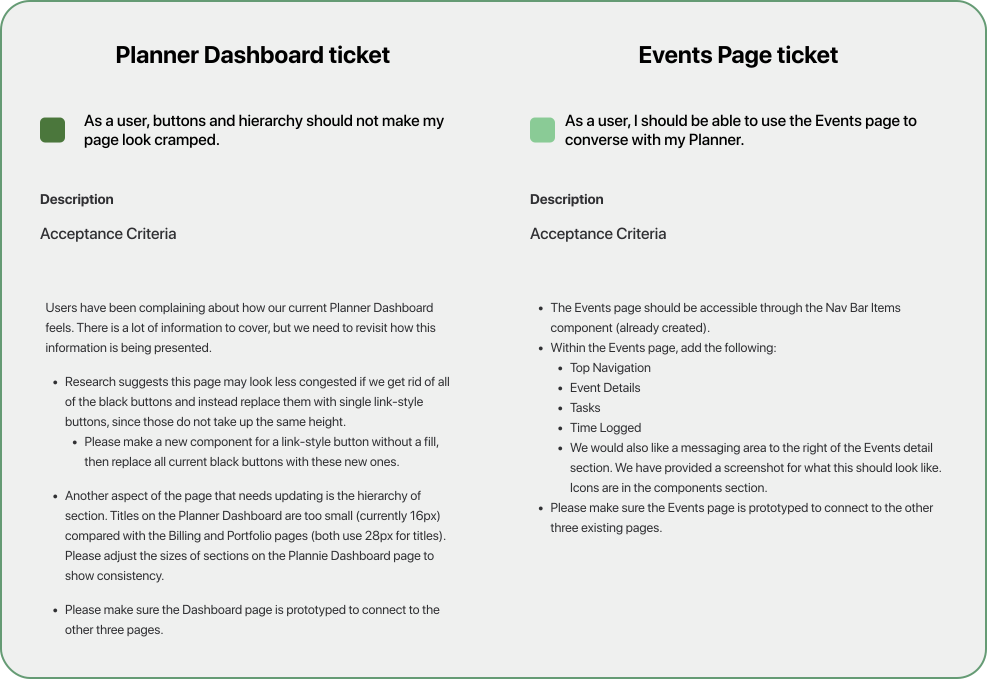
The review of existing screens and Jira tickets highlighted key issues: replacing black buttons with link-style buttons on the dashboard, ensuring text hierarchy consistency, and adding an Events page with navigation, details, tasks, time tracking, and messaging features. These improvements enhanced usability and satisfaction for Plannie's users.
Tackling user pain points...
So What do Users Want?
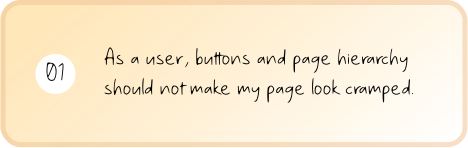
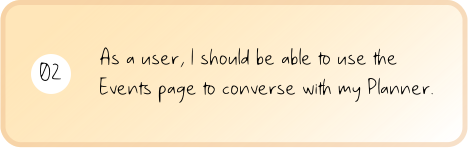
Plannie outlined two user stories and their corresponding deliverables in Jira tickets, providing a clear understanding of the desired outcomes to guide the development and implementation process.
I created the prototype to show the design and user interactions for the redesigned dashboard. This gave stakeholders and developers a clear view of its appearance and functionality, including the event page and messaging interface for user-planner communication. The prototype helped bring the proposed updates for the Plannie platform to life.
My takeaways...
What I Learned.
In this project, I focused on improving the experience for both event planners and users. Through a deep understanding of our target audience's needs via Jira tickets, I identified key areas for improvement. A significant achievement was redesigning the dashboard to create a cleaner, more intuitive interface, which helped refine the overall flow and feel of the platform.
Looking back at the Plannie project, I'm pleased with the positive impact it had, resolving design issues and enhancing collaboration features. This work taught me valuable lessons about iterative design, collaboration, prototyping, and the importance of feedback, equipping me for future impactful projects.
.svg)








.svg)
.svg)